
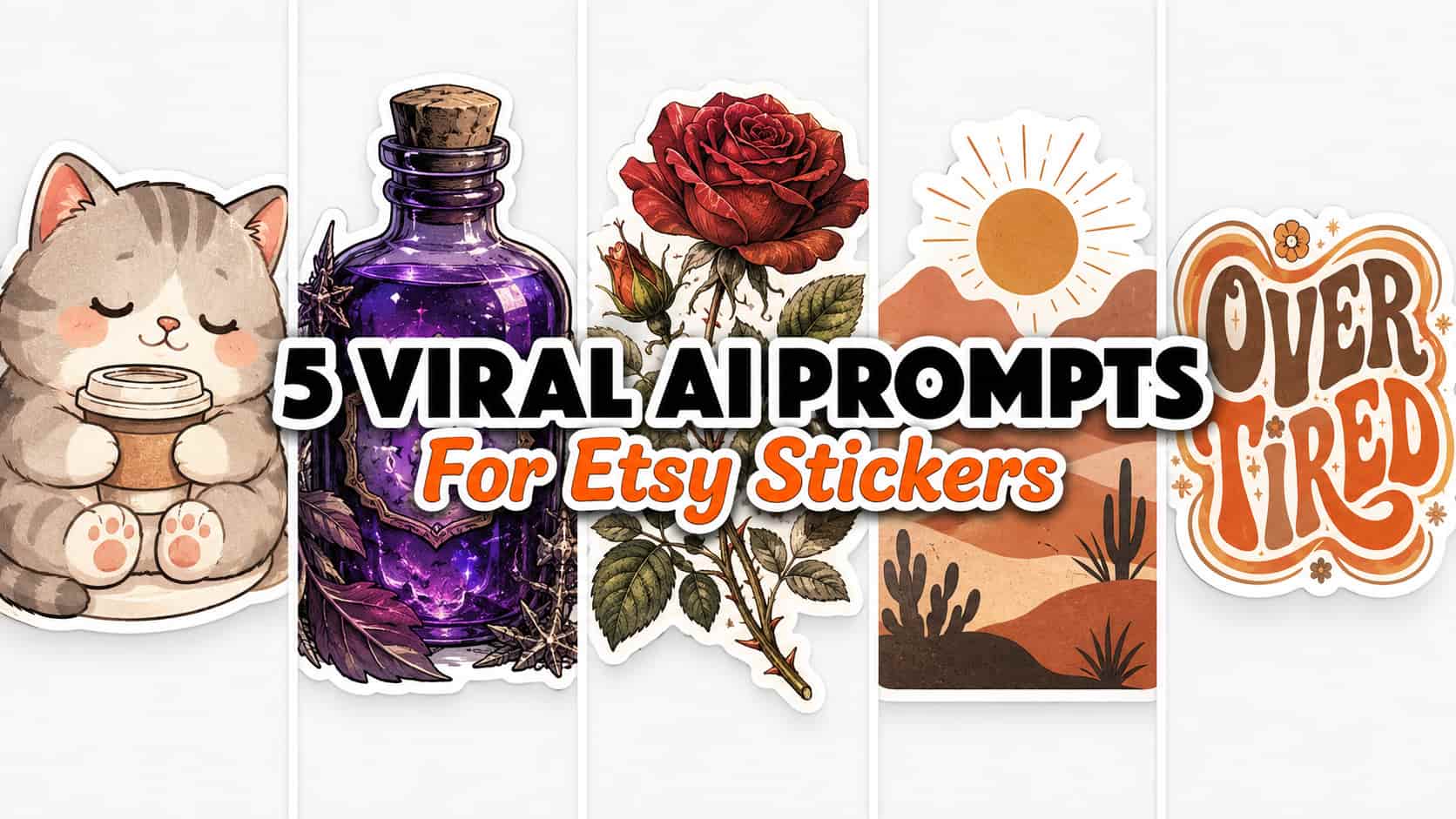
Quick Answer: To create digital assets for print-on-demand, the most effective AI prompts for Etsy stickers focus on generating flat vector illustrations with thick white borders and pure white backgrounds. Using generators like Leonardo AI can help streamline your workflow, making it easier to extract subjects ranging from kawaii characters to vintage botanicals.
If you are building a digital product business or a print-on-demand shop in 2026, finding an efficient design workflow is essential. A broad U.S. audience actively searches for unique, niche-specific decals to personalize their laptops, water bottles, and journals. However, standard AI image generation often produces complex, cluttered backgrounds that are frustrating and time-consuming to isolate for printing. To elevate your store’s inventory, mastering specific AI prompts for Etsy stickers can significantly improve your creation process.
In this guide, we are exploring five tested AI prompt frameworks tailored for popular aesthetic trends. We will focus on generating functional “die-cut” style designs featuring pure white backgrounds and crisp outlines, which are generally easier to prepare for commercial printing.
Upgrading your prompting strategy to generate print-friendly visuals right from the start can help reduce your editing time in software like Canva, allowing you to focus on listing new products and researching market trends.
Why the “Die-Cut Vector” Style Works for Print-On-Demand
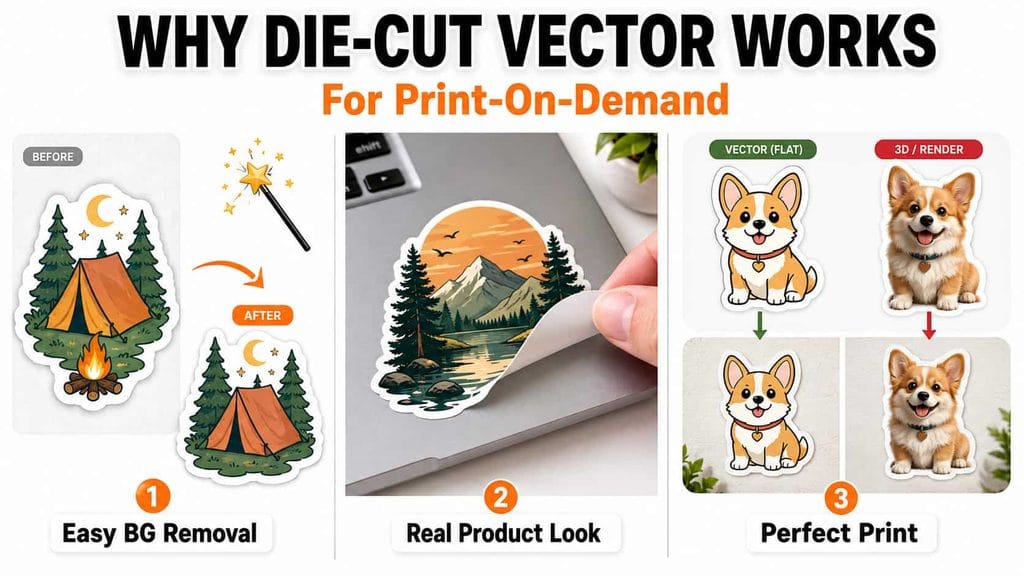
Before diving into the exact text prompts, it is helpful to understand the technical reasoning behind this specific aesthetic approach:
- Easier Background Removal: Specifying a “pure white background” and a “thick white outline” creates strong contrast. This can make background removal tools much more accurate, though you should always inspect the edges manually for stray pixels.
- The Physical Product Look: Including “die-cut sticker design” in your prompt gives the artwork a sticker-like appearance and can make the final contour easier to refine in post-production.
- Print Consistency: Flat colors and vector-style shading often translate more reliably to physical vinyl printing compared to hyper-realistic, complex 3D renders.
My Exact Leonardo AI Settings
To generate the commercial-style result images discussed in this guide, I utilized Leonardo AI. For the best results tailored to individual sticker assets, here is the configuration I used:
- AI Generator: Leonardo AI
- Model: Auto (or Leonardo Vision XL for crisp vectors)
- Style: Illustration / Vector
- Aspect Ratio: 1:1 (Square)
Credit Usage Note: At the time of testing in August 2026, Leonardo AI’s free tier provided 150 Fast Tokens per day. However, token availability and generation costs depend on the selected model and quality settings. Always check the current Leonardo AI interface before generating, as platform pricing and free limits change frequently.
Quick Breakdown: The 5 Niche Sticker Styles
| Sticker Aesthetic | Design Focus | Target Audience / Niche |
|---|---|---|
| 1. The Cozy Kawaii | Cute, flat colors, thick lines | Journaling, planners, student aesthetics |
| 2. The Dark Academia | Moody, gothic, intellectual | Book lovers, dark aesthetic enthusiasts |
| 3. The Vintage Botanical | Distressed, detailed, natural | Scrapbooking, cottagecore, nature lovers |
| 4. The Minimalist Boho | Earthy tones, simple shapes | Laptop decals, modern minimalist lifestyle |
| 5. The Retro Typography | Wavy fonts, 70s colors | Pop-culture, relatable quotes, Gen Z |
The 5 Copy-Paste Prompts for Sticker Designs
Below are five structured prompts designed to yield clean, isolated graphics. Copy the text inside the boxes and paste it into your AI generator.
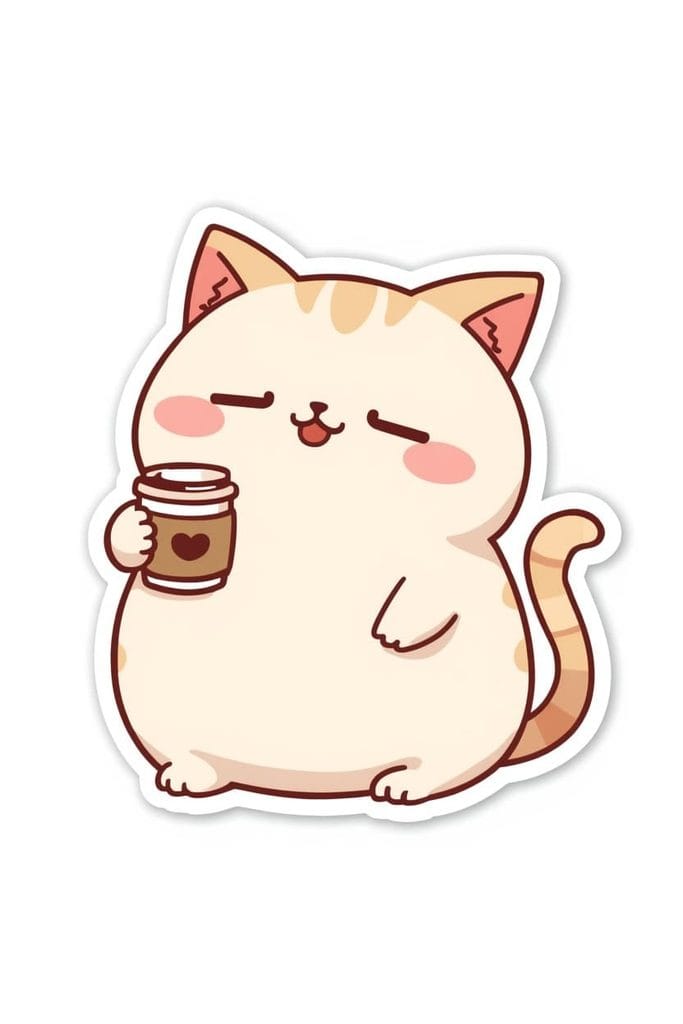
Prompt 1: The Cozy Kawaii Sticker
What this prompt is designed for:
- Planner and bullet journal accessories
- Highly relatable, cute animal graphics
The Prompt:
Recommended editing:
- Avoid adding 3D terms like “volumetric lighting” to the prompt. Kawaii designs generally look best and print most clearly when kept as flat, 2D vector illustrations.
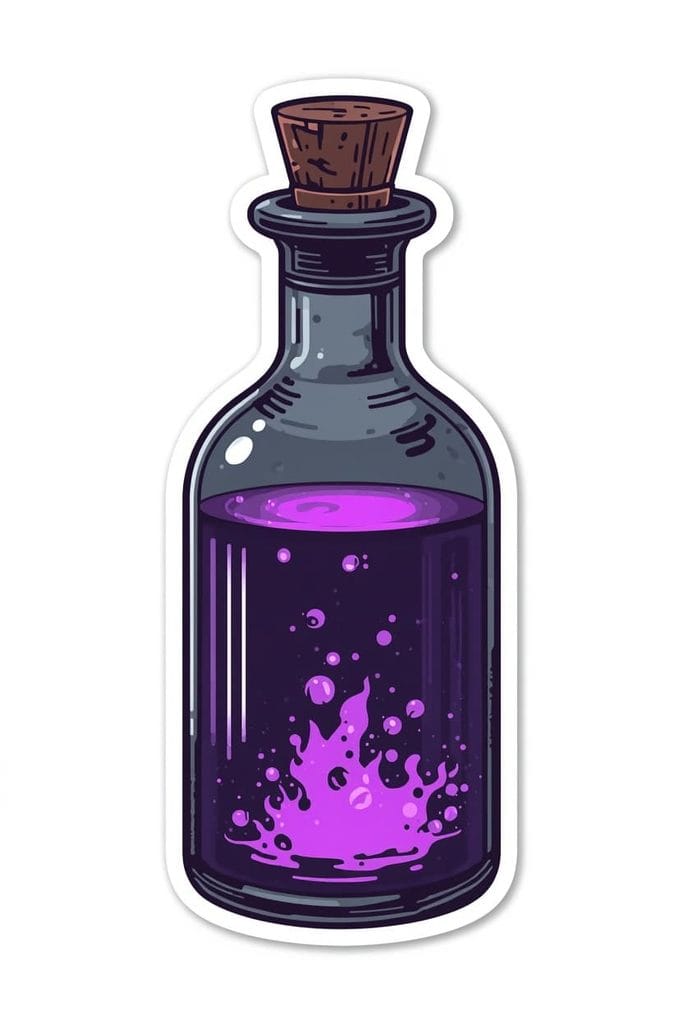
Prompt 2: The Dark Academia Potion
What this prompt is designed for:
- Targeting the established moody, gothic, and “BookTok” aesthetic
- Laptop decals for literary niches
The Prompt:
Common mistakes:
- Sometimes dark prompts generate dark backgrounds. If the background isn’t pure white, add the phrase “isolated on white” to the very beginning of the prompt.
Prompt 3: The Vintage Botanical
What this prompt is designed for:
- Cottagecore and vintage scrapbooking enthusiasts
- Classic, nature-inspired decals
The Prompt:
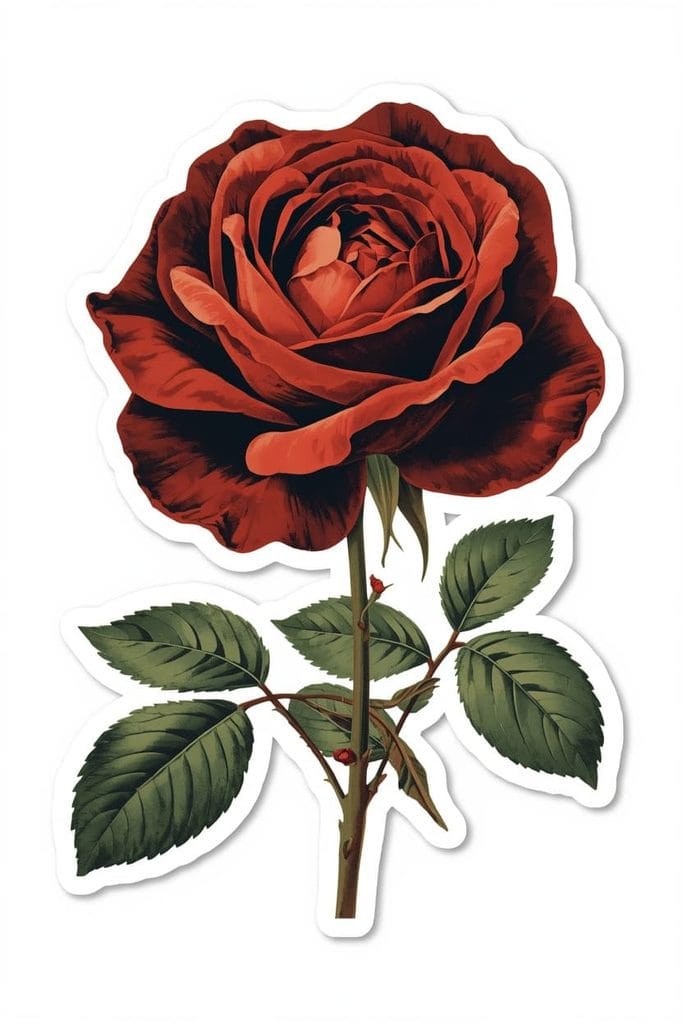
Why it works:
- Muted colors can create a beautiful vintage look, but always review your print provider’s color guidance and order physical samples when exact color accuracy matters.
Prompt 4: The Minimalist Boho
What this prompt is designed for:
- Modern, clean aesthetics and abstract art lovers
- Designs that appeal to a mature, adult demographic
The Prompt:
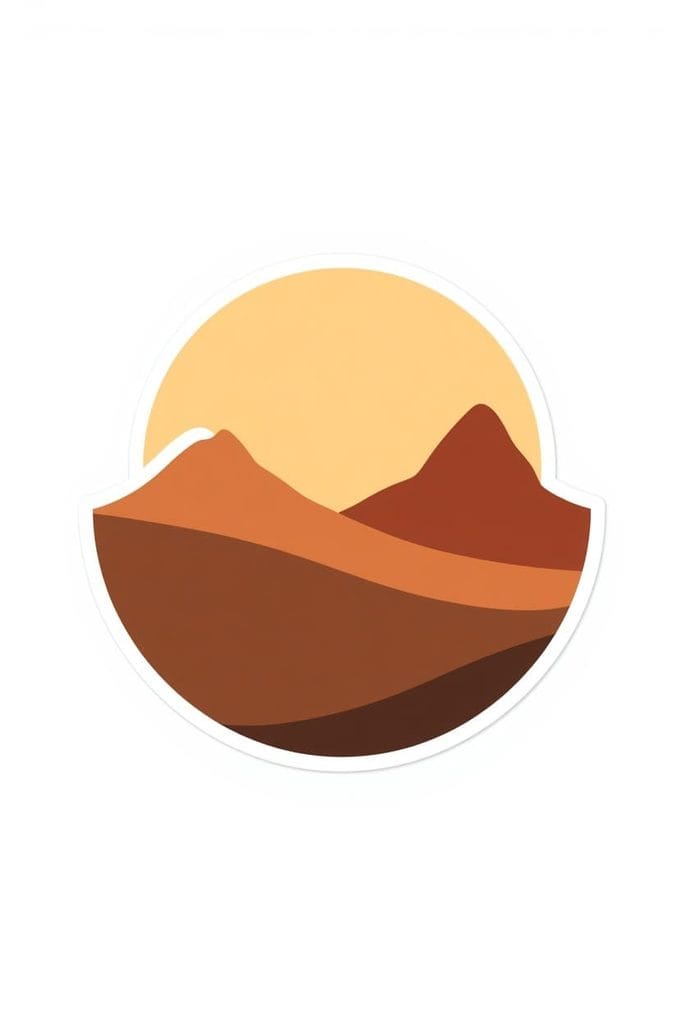
Recommended editing:
- Keep the prompt simple. Boho art relies on negative space and minimal elements. Overcomplicating the instructions can ruin the minimalist vibe.
Prompt 5: The Retro Typography
What this prompt is designed for:
- Relatable, funny, or motivational quote graphics
- Visually recognizable, giftable designs
The Prompt:
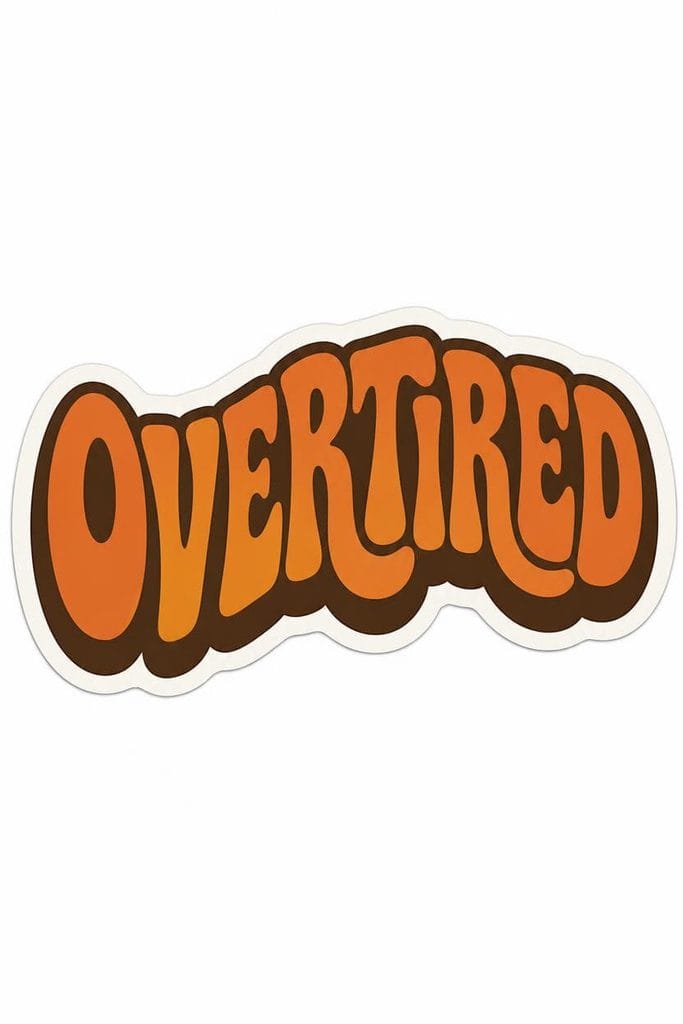
Common mistakes:
- AI image generators are improving at text, but short, single words are generally easier to review and correct than longer AI-generated sentences. Always double-check spelling.
The Print-Ready Editing Workflow
Generating the image is only the first step. To ensure your customers receive a high-quality physical product, you must prepare the file correctly. Here is a common workflow used by digital creators:
1. Background Removal & Cleanup
Import your generated image into Canva or Photoshop and use the Background Remover tool. While AI tools are great, they can sometimes accidentally remove the white sticker border if it blends into the white background. After removing the background, inspect the white border carefully and manually restore or clean any areas that were accidentally erased.
2. Proper Upscaling & Resolution
Physical printing requires sufficient resolution. Standard AI outputs (like 1024×1024) may appear pixelated when printed. Upscale the artwork to your print provider’s recommended pixel dimensions first. Then, ensure you prepare the final file according to the printer’s required resolution specifications (commonly 300 DPI for print files).
3. Exporting the Correct Format
Always export your final, background-removed design as a high-quality PNG file. The JPEG format does not support transparency, so use PNG whenever your design requires a transparent background to print correctly on products like clear vinyl or apparel.
Before Publishing Checklist
Before uploading your new design to your shop, run your asset through this quality control checklist:
- The Transparency Test: Place your PNG over a dark-colored square in your editing software. If you see messy, jagged white pixels outside of your smooth sticker border, clean up the edges using an eraser tool.
- Spelling Check: If you generated a typography graphic, triple-check the spelling.
- Copyright Compliance: Ensure your prompts do not generate copyrighted characters or trademarked properties. Stick to generic, original aesthetics.
Frequently Asked Questions (FAQs)
1. Can I sell AI-generated stickers on Etsy?
Etsy currently allows seller-prompted AI creations, but their policies require sellers to disclose the use of AI in the creation process. Additionally, you cannot sell mere “AI prompt bundles” themselves on the platform. It is your responsibility as the seller to ensure your generated artwork complies with intellectual property laws and Etsy’s most up-to-date AI guidelines.
2. Do I own the commercial rights to my Leonardo AI images?
Commercial-use rights depend entirely on Leonardo AI’s current terms of service and the specific subscription plan under which the image was generated. Always review their official, current licensing agreements before selling any generated artwork.
3. What is the best file size for print-on-demand stickers?
There is no single universal requirement; it depends on the physical size of the product you are selling (e.g., a 2-inch vs. a 4-inch sticker). Always refer to your specific print provider’s (like Printify or Printful) exact pixel and DPI recommendations for that specific item.
4. Why does my sticker have a messy background instead of white?
If your background is messy, try moving the phrase “pure white background, isolated on white” to the very beginning of your text prompt to give it higher priority in the AI’s generation process.
5. Should I use Midjourney or Leonardo AI for digital products?
Both are excellent tools. Midjourney often provides highly artistic details, but many creators prefer Leonardo AI for its user-friendly interface, prompt adherence, and ability to handle flat vector illustrations well.
Explore Our Print-On-Demand Prompts Series
This article kicks off our deep-dive series into building digital product workflows. Expand your inventory and experiment with different aesthetics by checking out the upcoming guides in our series:
- AI Prompts for Seamless Floral Patterns (Coming Soon)
- AI Prompts for Retro T-Shirt Designs (Coming Soon)
- AI Prompts for Minimalist Boho Wall Art (Coming Soon)
- AI Prompts for KDP Adult Coloring Books (Coming Soon)
Important Disclaimer
The information, strategies, and prompts provided in this article are for educational and informational purposes only. We do not guarantee any specific sales, shop traffic, financial returns, or success on Etsy or any print-on-demand platform. Platform algorithms, copyright laws, and commercial licensing policies change frequently and are completely outside of our control. Always ensure you are reviewing the official policies and licensing terms of Etsy, your print providers, and AI platforms.
Conclusion
Creating functional digital assets requires both a strong visual aesthetic and a solid understanding of post-production workflows. By utilizing these meticulously crafted AI prompts for Etsy stickers, you can generate clean, structured graphics that are much easier to prepare for physical printing. Take these prompt frameworks, apply a careful background removal workflow, and use them to thoughtfully expand your digital product inventory.

About the Author
Hey, I’m Dharmendra Singh. I started AITool555 in early 2026 to share AI prompts that actually work.
I personally test every Midjourney, ChatGPT, and Leonardo AI prompt I publish. If it doesn’t save me time or give real results, it doesn’t make it onto this site. No fluff, just prompts I use for my own projects.
Questions? Email me: [email protected]
2 thoughts on “5 AI Prompts for Etsy Stickers: Kawaii, Vintage & More (2026)”