
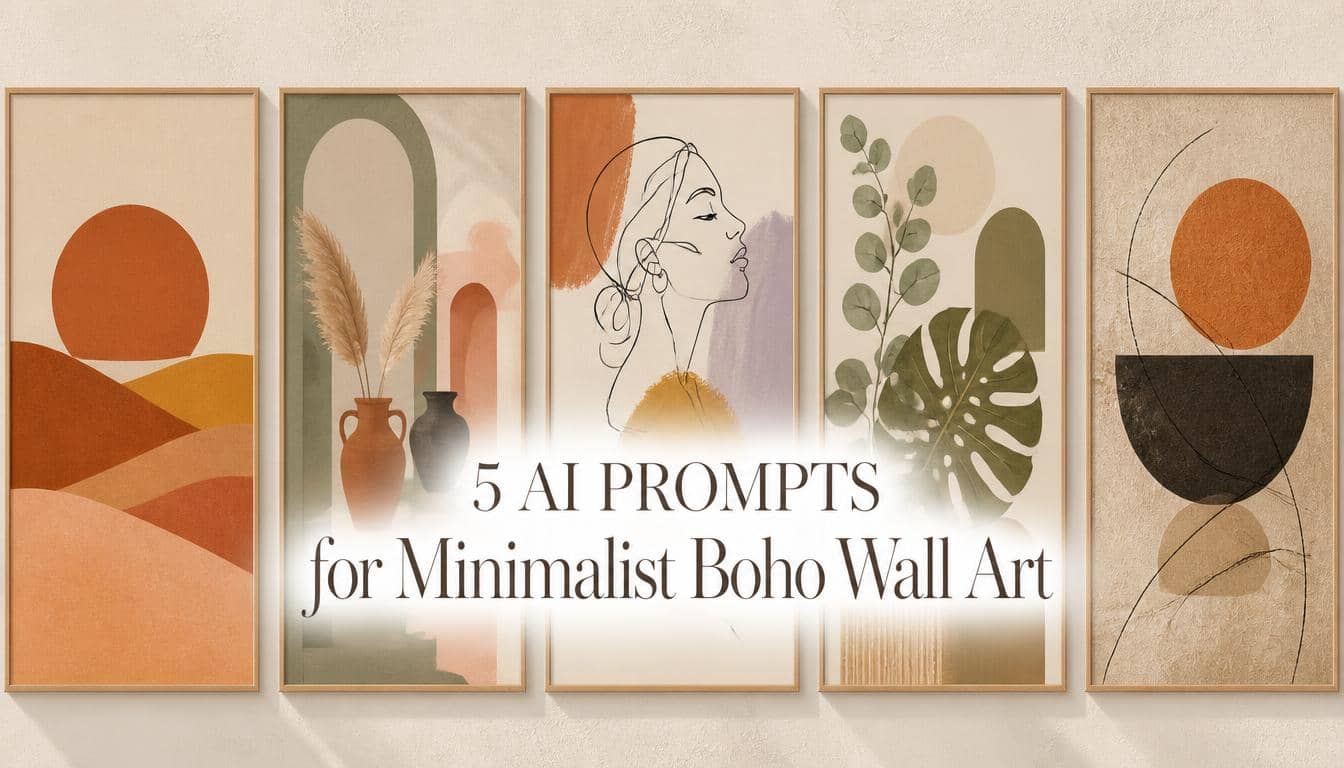
Quick Answer: To create highly aesthetic digital downloads and posters, the most effective AI prompts for minimalist boho wall art focus on generating flat, vector-style compositions with earthy color palettes and subtle paper textures. Using deeply descriptive prompts in tools like Leonardo AI allows creators to easily conceptualize commercial-grade abstract art, continuous line drawings, and botanical prints for modern interior decor.
Selling printable wall art and posters remains one of the most popular categories in the print-on-demand space today. A massive U.S. audience constantly searches platforms like Etsy for affordable, aesthetic ways to decorate their apartments and home offices. The current dominant trend is the minimalist bohemian (boho) aesthetic—characterized by warm earthy tones, abstract shapes, and calming botanical elements. Designing these gallery-style pieces manually requires a strong grasp of color theory and composition. However, mastering specific AI prompts for minimalist boho wall art can drastically accelerate your ability to build a diverse, visually appealing digital storefront.
Building a digital product business requires versatile assets. We have already explored how to generate AI prompts for Etsy stickers and create AI prompts for seamless patterns. Wall art, however, serves a completely different purpose. Instead of isolating a graphic to print on a t-shirt or tumbler, you are conceptualizing a complete, standalone composition that needs to look beautiful when framed on a physical wall.
Below are five deeply detailed, tested AI prompt frameworks tailored for the modern interior decor market. These prompts focus on generating clean, emotionally resonant abstract art aesthetics that require minimal post-production editing, making them ideal for instant digital downloads or drop-shipping via print providers.
Why the Minimalist Boho Aesthetic Sells So Well
Understanding the psychology behind this specific art style can help you market your digital products more effectively:
- Universal Decor Appeal: Warm terracotta, sage green, and beige tones easily match a wide variety of modern furniture styles. You can often use tools like Adobe Color to verify that your AI-generated palettes fit current interior design color trends.
- The “Gallery Wall” Effect: Buyers rarely purchase just one minimalist poster. They usually buy sets of three or five to create a cohesive gallery wall. This makes boho art highly appealing when you bundle multiple related designs together in your shop.
- Forgiving Print Aesthetics: Unlike hyper-realistic photography, flat geometric shapes and continuous line art styles are visually forgiving when scaled up for large poster sizes. They retain their aesthetic intent even when printed at larger dimensions.
My Exact Leonardo AI Settings for Wall Art
To generate the gallery-style artwork discussed here, you must instruct the AI engine to focus on clean illustration and proper framing. Here is the configuration generally recommended for poster graphics:
- AI Generator: Leonardo AI (or Midjourney)
- Model: Auto, or a current illustration-focused model available in Leonardo AI
- Style: Illustration / Graphic Design
- Aspect Ratio: 2:3 or 3:4 or 4:5 (Vertical rectangles work best, as they directly mimic standard framing ratios used in the art industry)
Credit Usage Note: At the time of testing, Leonardo AI’s free tier provided a daily allowance of Fast Tokens. Generating large, vertical aspect ratios may consume slightly more tokens depending on the model. Always check the current interface before generating, as platform pricing and feature sets adjust frequently.
Quick Breakdown: The 5 Niche Wall Art Styles
| Wall Art Aesthetic | Design Focus | Target Audience / Room |
|---|---|---|
| 1. Mid-Century Desert | Suns, dunes, warm colors | Living rooms, modern offices, warm aesthetics |
| 2. Terracotta Arches | Architecture, vases, plants | Entryways, serene spaces, architectural fans |
| 3. Continuous Line Art | Single ink lines, color blocking | Bedrooms, boutique studios, elegant decor |
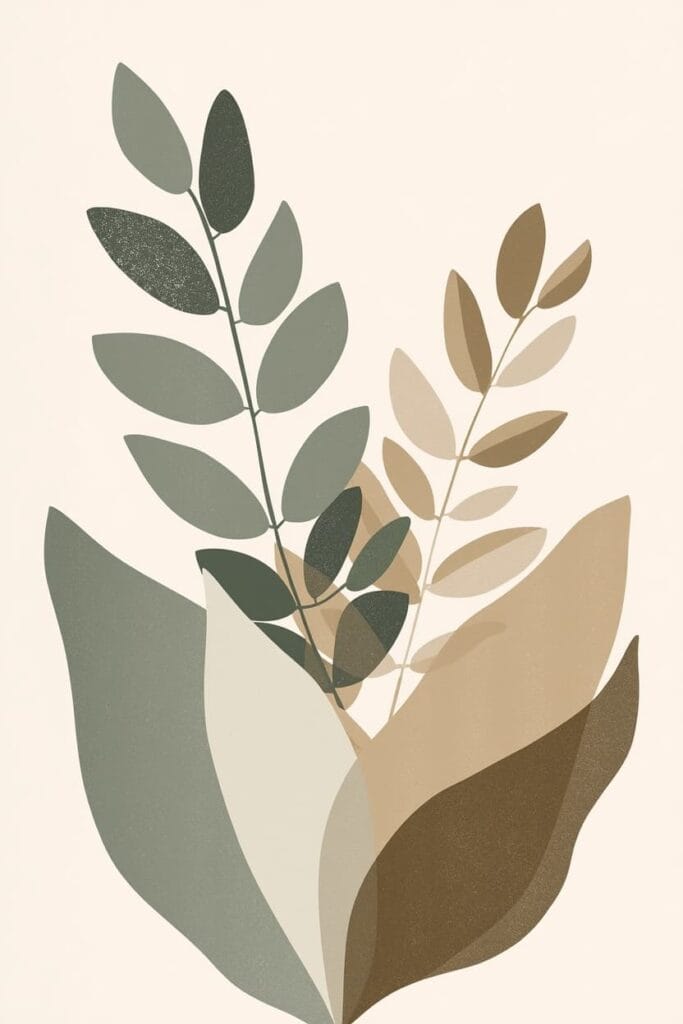
| 4. Neutral Botanicals | Eucalyptus, sage greens | Bathrooms, nurseries, calming environments |
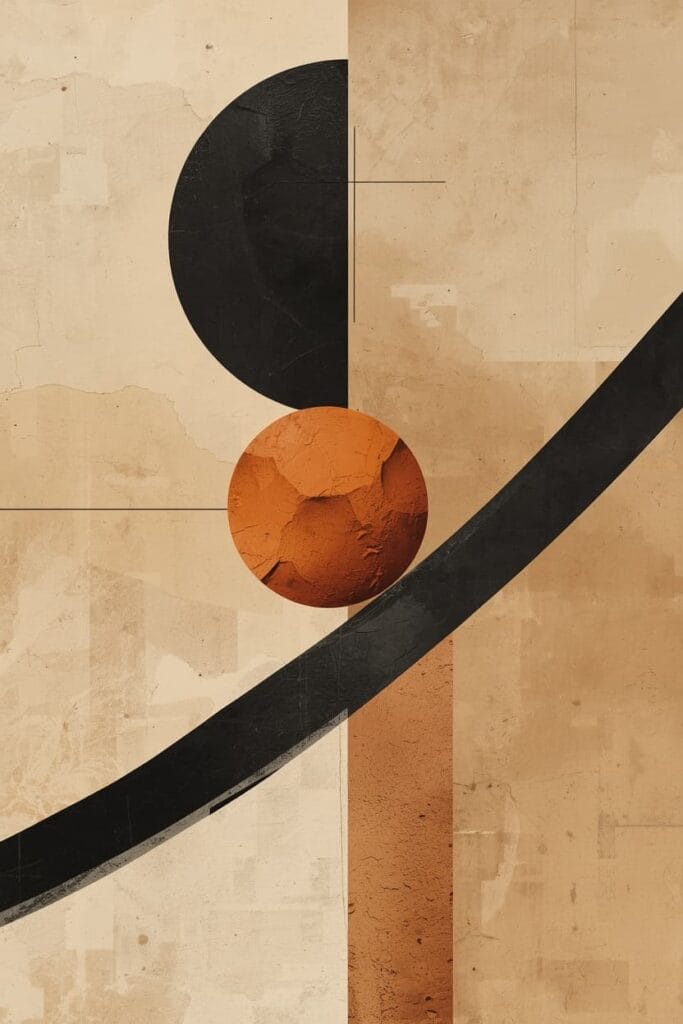
| 5. Moody Wabi-Sabi | Imperfect shapes, dark accents | High-end minimalist homes, sophisticated spaces |
The 5 Copy-Paste Prompts for Printable Posters
Below are five deeply descriptive, structured prompts designed to yield commercial-grade poster art concepts. Copy the text inside the boxes and paste it directly into your AI generator.
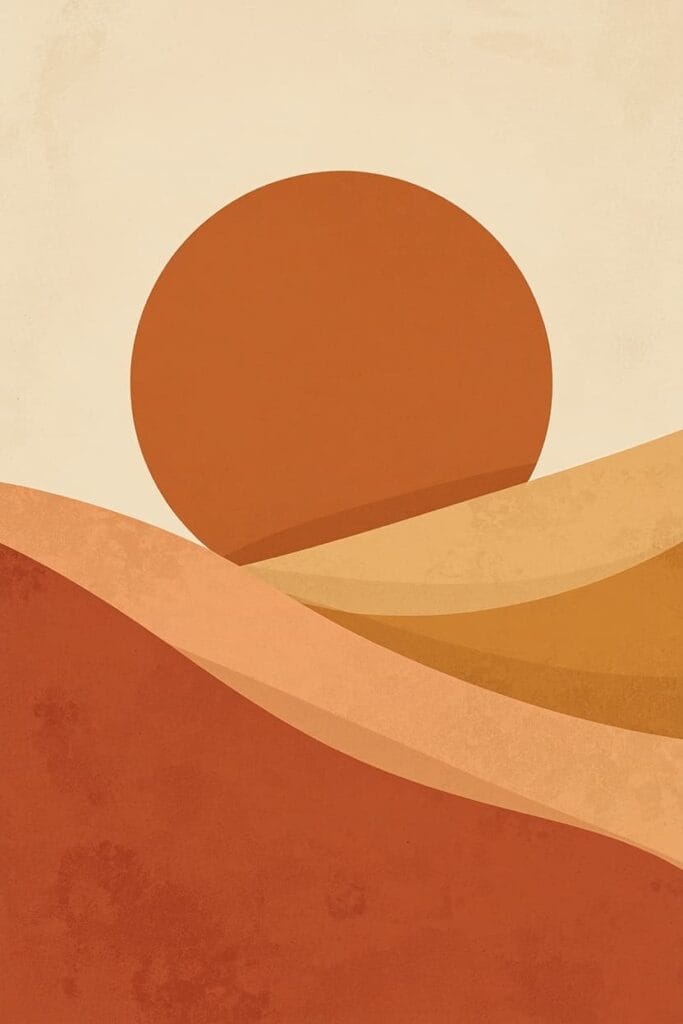
Prompt 1: The Mid-Century Desert Sun
What this prompt is designed for:
- A proven, evergreen design style that serves as a staple for any boho shop
- Providing a warm, welcoming atmosphere suitable for large living room prints
The Prompt:
Recommended editing:
- These designs often look best when you add a slight digital “noise” or grain effect in your editing software, which gives the digital file an authentic, physical art-print feel.
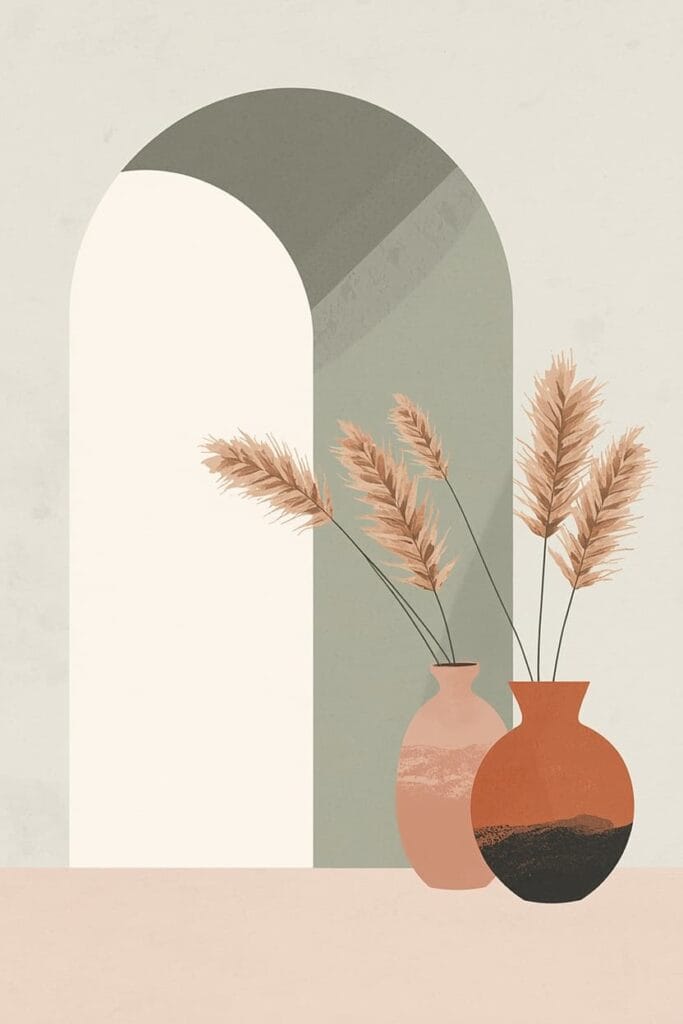
Prompt 2: The Abstract Terracotta Arches & Vases
What this prompt is designed for:
- Targeting buyers looking for sophisticated, architectural art pieces
- Creating a calming, spa-like atmosphere for interior spaces
The Prompt:
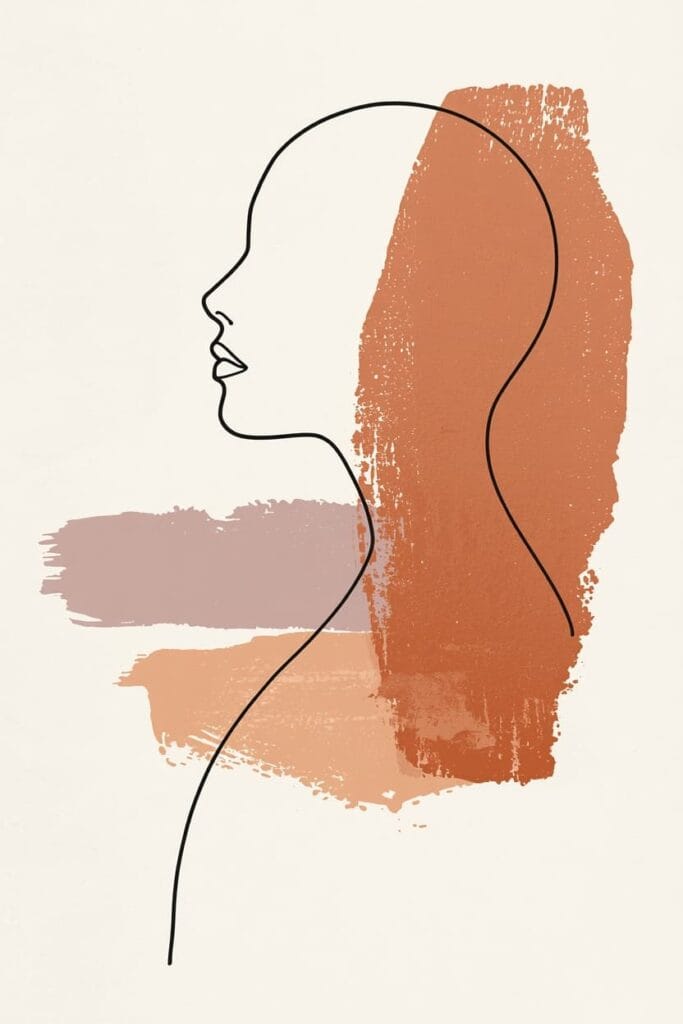
Prompt 3: The Continuous Line Art Silhouette
What this prompt is designed for:
- The highly popular elegant and abstract expressionism niches
- Designs that look exceptionally premium when placed in thin frames
The Prompt:
Common mistakes:
- AI can occasionally break the “continuous line” visual rule by adding extra messy strokes. Always zoom in and use a brush tool in your editing software to erase stray lines and connect any broken ink paths manually.
Prompt 4: The Neutral Botanical Sage Greenery
What this prompt is designed for:
- Nature-inspired decor enthusiasts
- Clean, fresh designs that are universally appealing across different demographics
The Prompt:
Prompt 5: The Moody Wabi-Sabi Geometric
What this prompt is designed for:
- High-end, sophisticated interior design aesthetics
- Buyers looking for art that focuses on texture, balance, and raw earthiness
The Prompt:
The Print-Ready Formatting Workflow
Generating the image is only the beginning. To ensure your customers receive a file that prints beautifully—or to ensure platforms like Printful can fulfill your poster orders correctly—you must prepare your files accurately.
1. Proper Upscaling & Aspect Ratios
Standard AI outputs are rarely large enough for large-format poster printing natively. You must use an upscaler to increase the resolution. Additionally, Etsy digital download sellers typically offer their artwork in multiple ratio files (e.g., a 2:3 ratio file, a 3:4 ratio file, a 4:5 ratio file, and an 11×14 inch file) so buyers can print the exact size they need for their specific frames.
2. Managing Resolution (DPI/PPI)
Aim for 300 PPI (Pixels Per Inch) for high-quality prints, but remember that actual pixel dimensions determine how large the artwork can actually be printed cleanly. Changing DPI metadata alone in your software does not magically add image detail if the original file is too small.
3. Color Profiles: RGB vs. CMYK
AI-generated artwork is generally created in RGB (optimized for digital screens). Whether you should convert to CMYK depends on your print provider. Many modern POD services accept RGB files and handle color conversion internally. Always follow your printer’s recommended color profile and export settings to ensure the final physical print matches your vision.
Before Publishing Checklist
Before uploading your new digital files to your shop, run your asset through this quality control checklist:
- The 100% Zoom Test: Zoom into your upscaled image at 100%. Look for strange AI artifacts, blurry edges, or unnatural textures that need to be corrected with a healing brush tool.
- Mockup Presentation: Use accurate, high-quality mockups that you created or are properly licensed to use, and make sure your listing images comply with Etsy’s current image requirements. Buyers need to visualize the art, but your presentation must align with platform policies.
- Copyright Compliance: Stick to generic, original aesthetic combinations. Ensure your prompts do not generate trademarked brand elements or replicate famous copyrighted artworks.
Frequently Asked Questions (FAQs)
1. Can I sell AI-generated digital downloads on Etsy?
Yes, major marketplaces generally allow the sale of AI-generated digital art, provided you adhere to their specific policies. Etsy requires sellers to disclose the use of AI in their creation process. It is your responsibility to ensure your generated artwork complies with intellectual property laws and current platform guidelines.
2. Do I own the commercial rights to my AI-generated posters?
Commercial-use rights depend entirely on the AI platform’s current terms of service and the specific subscription plan you used during generation. Always review the official, current licensing agreements of platforms like Leonardo AI or Midjourney before selling any generated artwork.
3. What file format should I provide for digital wall art?
Most sellers provide high-resolution JPEG files (saved in a ZIP folder) for digital downloads because they offer excellent print quality while keeping the file sizes manageable for customers to download.
4. Are AI images actually editable vector files?
No. Standard AI image generators like Leonardo AI and Midjourney output raster images (like JPEG or PNG). While you can prompt for a “vector-style” aesthetic (flat colors, crisp lines), the output is still a flat raster image. If you need true, infinitely scalable vector files (.SVG or .EPS), you must trace the image using software like Adobe Illustrator.
5. Should I use Midjourney or Leonardo AI for wall art?
Both are highly capable. Midjourney is often praised for its deep artistic textures and sophisticated color blending, while Leonardo AI offers excellent control, a generous token system, and powerful built-in upscaling tools that are incredibly useful for preparing larger files.
Explore Our Print-On-Demand Series
This article is part of our deep-dive series into building versatile digital product workflows. Expand your inventory and experiment with different commercial formats by checking out the other guides in our series:
- 5 AI Prompts for Retro T-Shirt Designs (POD Apparel)
- 5 AI Prompts for Seamless Patterns: Florals, Boho & More
- 5 Profitable AI Prompts for Etsy Stickers (Kawaii & Vintage)
- AI Prompts for KDP Adult Coloring Books (Coming Soon)
Important Disclaimer
The information, strategies, and prompts provided in this article are for educational and informational purposes only. We do not guarantee any specific sales, shop traffic, financial returns, or success on Etsy, Printful, or any print-on-demand platform. Platform algorithms, copyright laws, and commercial licensing policies change frequently and are completely outside of our control. Always ensure you are reviewing the official policies and licensing terms of your marketplaces, print providers, and AI platforms.
Conclusion
Building a successful digital download shop requires offering artwork that resonates with modern interior design trends. By utilizing these deeply descriptive AI prompts for minimalist boho wall art, you can efficiently conceptualize gallery-style posters that appeal to a massive audience. Take these prompt frameworks, apply a rigorous upscaling and ratio-formatting workflow, and use them to thoughtfully elevate your digital storefront.

About the Author
Hey, I’m Dharmendra Singh. I started AITool555 in early 2026 to share AI prompts that actually work.
I personally test every Midjourney, ChatGPT, and Leonardo AI prompt I publish. If it doesn’t save me time or give real results, it doesn’t make it onto this site. No fluff, just prompts I use for my own projects.
Questions? Email me: [email protected]