
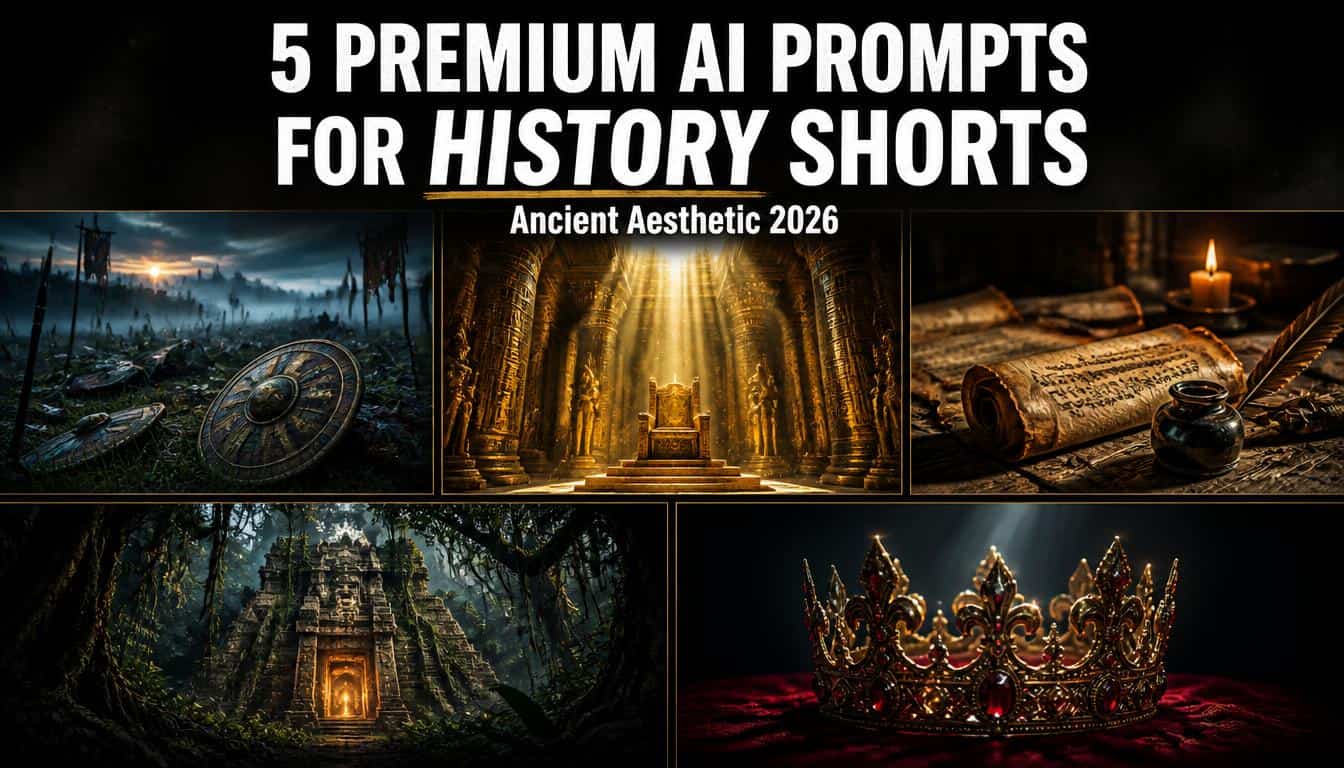
AI prompts for history shorts are specialized cinematic text instructions used in generators like Leonardo AI to create hyper-realistic, vertical backgrounds featuring ancient battlefields, forgotten temples, and royal artifacts, designed specifically for faceless historical documentary YouTube Shorts.
Quick Answer: To create high-retention faceless videos about ancient civilizations, the best AI prompts for history shorts generate 9:16 vertical images of Roman battlefields, glowing Egyptian throne rooms, and weathered parchment scrolls using Leonardo AI’s cinematic style, combined with dramatic lighting and dust overlays to maximize visual appeal.
If you are managing a faceless history YouTube channel in 2026, you already know that storytelling is everything. Many U.S. viewers are deeply interested in ancient mysteries, the rise and fall of empires, and legendary historical figures. However, simply using black-and-white public domain images or flat museum photos often makes it harder to maintain attention. Many modern viewers appreciate high-quality, documentary-style visuals that bring stories to life. To elevate your production value and create a more compelling viewing experience, mastering these specific AI prompts for history shorts is a critical step.
In this comprehensive guide, I am sharing five meticulously tested, copy-paste AI background prompts engineered to give your channel an epic, cinematic aesthetic. We are moving away from basic slideshows and focusing entirely on immersive visual environments—foggy battlefields, golden god rays, and glowing ancient artifacts—that perfectly complement deep, historical voiceovers.
Creating content in the history and education niche is a highly rewarding endeavor. These educational categories are often associated with relatively higher advertising rates than many fast-paced entertainment topics, although actual earnings vary significantly by audience, geography, and advertiser demand. Upgrading your visual strategy to these photorealistic, moody backgrounds is an effective way to build a premium brand identity and keep viewers engaged with your historical narratives.
Why the “Cinematic Documentary” Aesthetic Works for History
Before we dive into the exact prompts, it is crucial to understand the psychology behind this specific visual style. Why do viewers watch hours of content featuring ancient ruins and dusty scrolls?
- Epic Scale and Immersion: Showing a massive Egyptian throne room or a foggy Roman battlefield can instantly transport the viewer back in time, making your script feel much larger than life.
- Elevated Presentation: High-resolution, historically inspired visuals can elevate the presentation of your educational content, making the historical facts you are sharing feel significantly more compelling and professional.
- Minimizing Distractions: A dark, moody background with subtle floating dust particles reduces modern visual clutter, allowing the viewer to focus entirely on your on-screen captions and storytelling.
My Exact Leonardo AI Settings & Generation Costs
To generate the atmospheric result images you see in this guide, I personally tested all of these prompts using Leonardo AI. For the best results tailored to vertical video formats, here is the exact configuration I used:
- AI Generator: Leonardo AI
- Model: Auto
- Style: Cinematic
- Dimensions (Aspect Ratio): 9:16 (Vertical)
Credit Usage & Free Tier Breakdown:
Leonardo AI’s token cost varies depending on the selected model, quality settings, and computational intensity of the generation requirements. The current free plan provides **150 Fast Tokens** per day, but the number of images you can generate will vary. While standard cinematic generations often use around 7 to 15 credits, different model and style combinations require different credit amounts. If you are testing all five prompts from this guide, always check the specific token cost shown in the Leonardo AI interface before generating.
(Note on Pricing: AI platforms update their features and pricing constantly. The generous daily Fast Tokens information mentioned above is based on my personal testing in August 2026. These free limits and credit costs are entirely determined by Leonardo AI and are subject to change without notice in the future.)
Quick Breakdown: The 5 History Visual Styles
| Visual Style & Atmosphere | Overall Vibe | Best Used For These Channel Topics |
|---|---|---|
| 1. The Battlefield Aftermath | Gritty, intense, foggy | War history, Roman Empire, military tactics |
| 2. The Emperor’s Throne | Majestic, wealthy, grand | Ancient Egypt, royal dynasties, leadership |
| 3. The Ancient Scribe’s Desk | Scholarly, quiet, focused | Historical quotes, lost knowledge, philosophy |
| 4. The Forgotten Temple | Mysterious, overgrown, epic | Lost civilizations, archaeological discoveries |
| 5. The Crown Artifact | Powerful, tense, dark | Medieval history, royal betrayals, power struggles |
The 5 Copy-Paste AI Prompts for History Shorts
To avoid creating a low-value, generic listicle, we are breaking down exactly how to use, edit, and optimize each of these cinematic environments. Copy the text inside the boxes below and paste it directly into Leonardo AI.
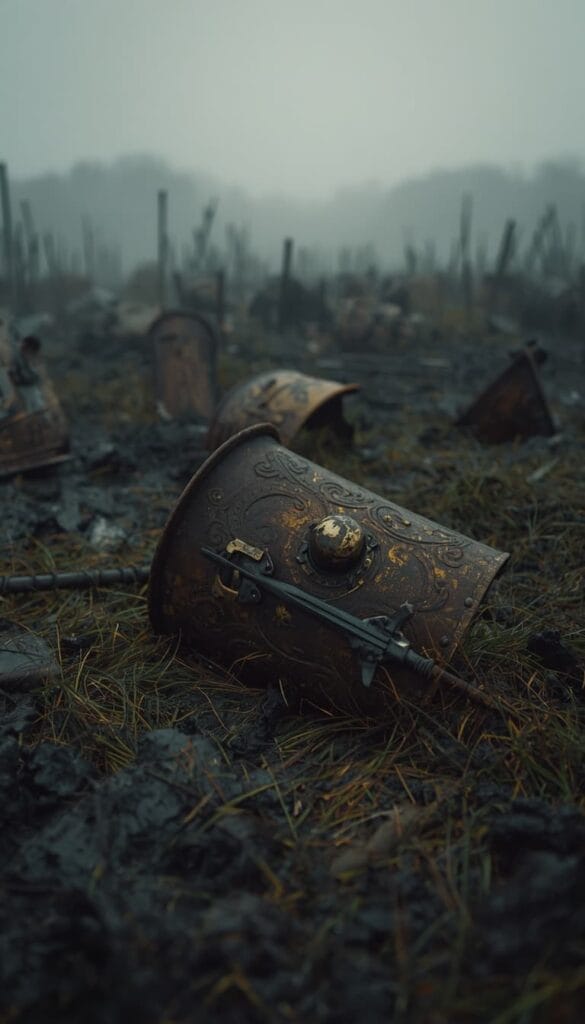
Prompt 1: The Battlefield Aftermath
What this prompt is designed for:
- Videos about military history and ancient warfare
- Spartan or Roman Empire documentaries
- High-tension storytelling backgrounds
Best AI Model Setup:
- Leonardo AI (Model: Auto | Style: Cinematic)
The Prompt:
Why it works:
- Visual Tone: The aftermath of a battle creates a somber, serious atmosphere that matches documentaries about the harsh realities of ancient life.
- Negative Space: The thick morning fog at the top of the frame provides an excellent canvas for your white text captions to stand out clearly.
Recommended editing:
- Layer a subtle, slow-moving fog overlay in your video editor to make the battlefield feel dynamic.
Common mistakes:
- Over-brightening: Do not break the gritty vibe by increasing the saturation too much. Keep the colors muted and cinematic.
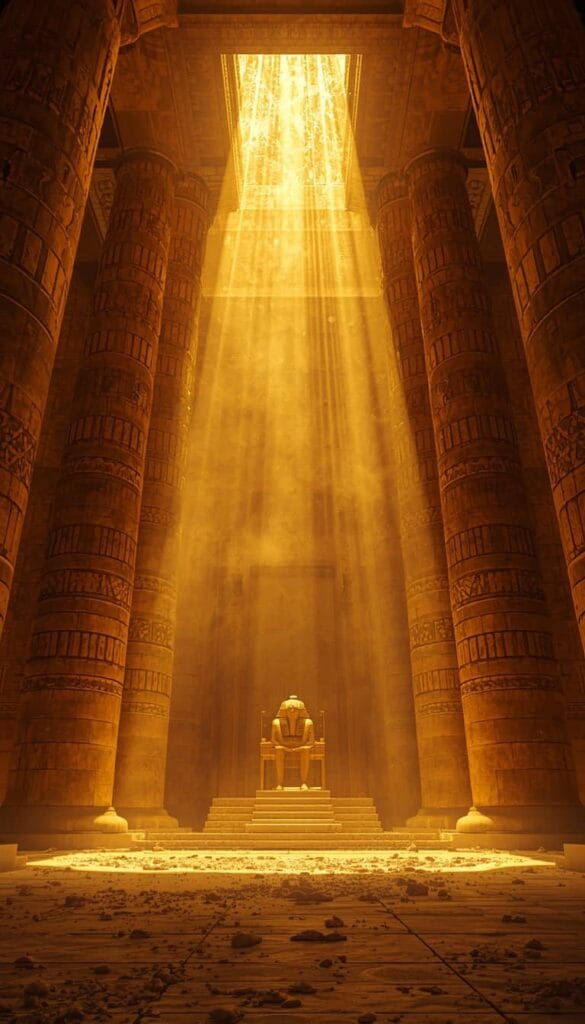
Prompt 2: The Emperor’s Throne
What this prompt is designed for:
- Ancient Egyptian or Persian empire videos
- Stories of great leaders, pharaohs, and kings
- Majestic, wealthy historical aesthetics
Best AI Model Setup:
- Leonardo AI (Model: Auto | Style: Cinematic)
The Prompt:
Why it works:
- Epic Scale: The massive pillars and god rays can create a feeling of immense power and awe, helping to hold the viewer’s attention.
Recommended editing:
- Apply a slow, 5% zoom-out effect to emphasize the massive scale of the architecture.
- Use a dramatic, deep brass or orchestral background track.
Common mistakes:
- Text blending in: The intense golden light is very bright. You may need to apply a heavy black drop shadow to your captions so they remain readable.
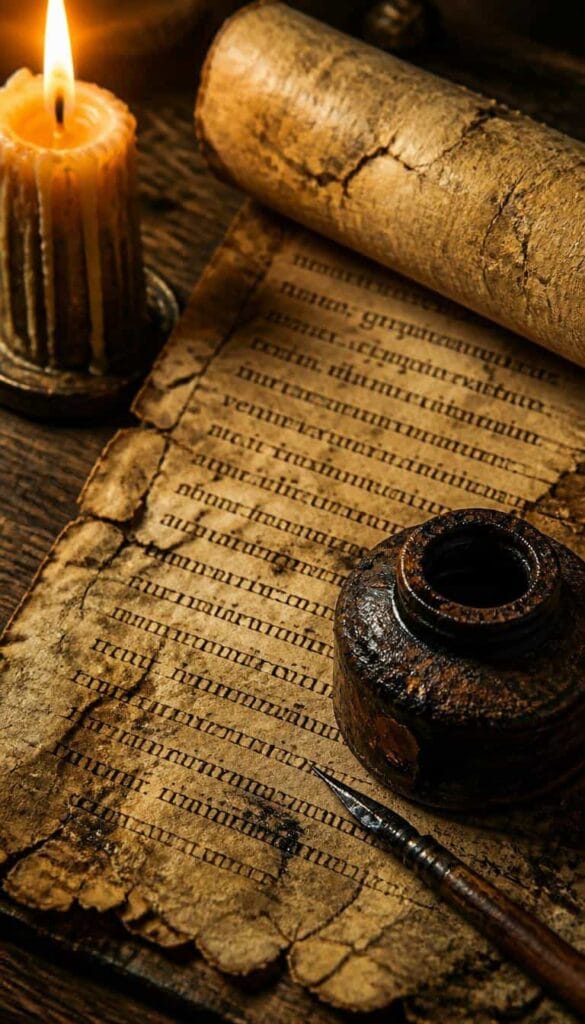
Prompt 3: The Ancient Scribe’s Desk
What this prompt is designed for:
- Videos detailing lost knowledge or historical quotes
- Deep dives into ancient texts and philosophy
- Educational storytelling aesthetics
Best AI Model Setup:
- Leonardo AI (Model: Auto | Style: Cinematic)
The Prompt:
Why it works:
- Grounded Focus: The macro close-up on the parchment provides a perfect natural canvas. It can make viewers feel like they are discovering a secret document along with you.
Recommended editing:
- Use a classic serif font for your captions, and pair it with a subtle “scratching quill pen” sound effect as the text appears.
Common mistakes:
- Fast editing cuts: Do not jump too quickly between images. Let this scene breathe so the viewer can comfortably read the historical facts.
Prompt 4: The Forgotten Temple
What this prompt is designed for:
- Mysteries of the Maya and Aztec civilizations
- Archaeological discoveries and adventure hooks
- Surreal, epic historical landscapes
Best AI Model Setup:
- Leonardo AI (Model: Auto | Style: Cinematic)
The Prompt:
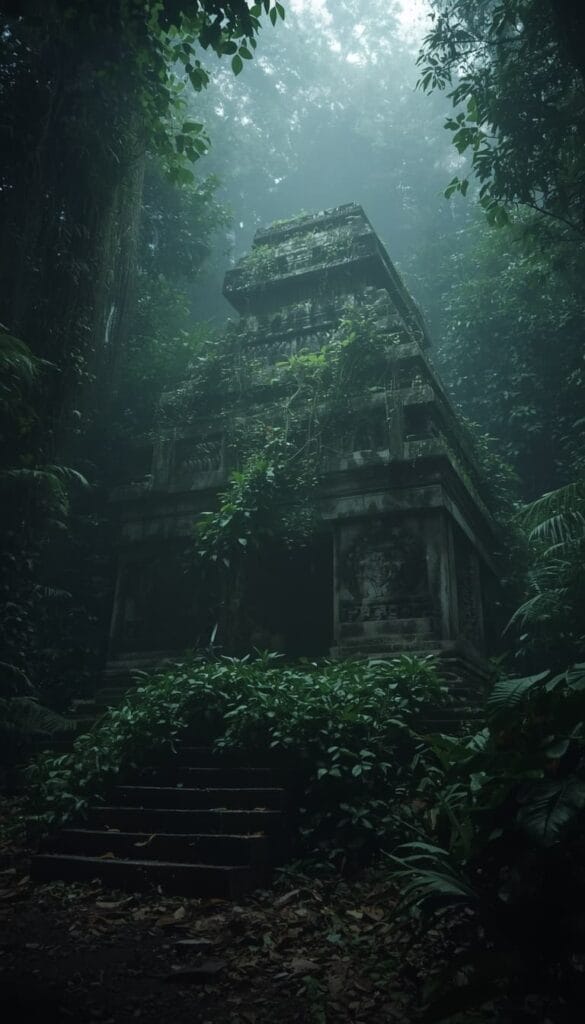
Why it works:
- The Discovery Hook: Hidden temples represent undiscovered secrets. The viewer’s brain often wants to explore the unknown, which can create curiosity and potentially help maintain viewer interest throughout the video.
Recommended editing:
- Add a subtle ambient jungle sound effect (distant birds or wind) to increase the atmospheric depth.
Common mistakes:
- Obscuring the focal point: Ensure your captions do not cover the central stone carvings. Place your text securely in the upper or lower portions of the screen.
Prompt 5: The Crown Artifact
What this prompt is designed for:
- Medieval history and royal bloodlines
- Stories of betrayal, power, and kingdoms
- Focused, high-stakes storytelling
Best AI Model Setup:
- Leonardo AI (Model: Auto | Style: Cinematic)
The Prompt:
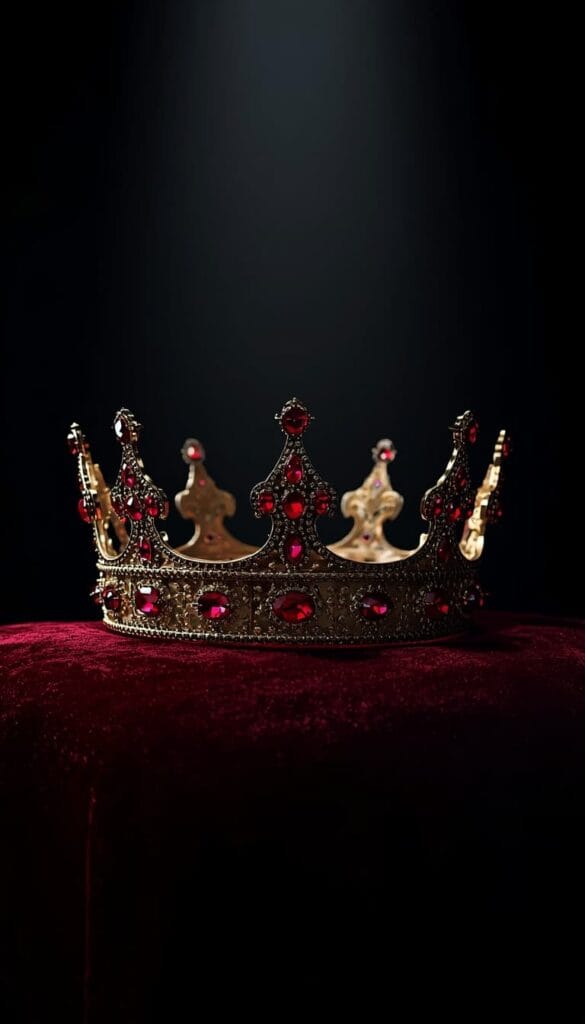
Why it works:
- Authority: A glowing royal artifact isolates the subject perfectly. It provides a dramatic, clutter-free background that keeps the focus entirely on your educational script.
Recommended editing:
- Use this specific background when you are putting bullet-point lists or historical dates on the screen. The clean, dark background acts as a perfect presentation board.
Common mistakes:
- Over-animating: Keep the edits smooth and professional. Do not add aggressive camera shakes to a calm, artifact-focused shot.
The High-End Video Editing Workflow
Generating atmospheric AI backgrounds is only the first step. To ensure the viewer stays engaged, you should edit these images properly. Here is the workflow often used by top faceless history channels using tools like Premiere Pro or Canva:
1. The Cinematic Color Grade
Historical aesthetics usually require a distinct, subdued color palette. Once you import your AI image, consider applying a subtle warm or sepia tint to give the image an aged, archival appearance. It helps simulate a high-budget cinematic recreation.
2. The Continuous Slow Push-In
Relying solely on static images can make it harder to maintain visual engagement. Consider applying a very slow, continuous zoom effect (often called the Ken Burns effect). Start the image scale at 100% and slowly push in to roughly 105% by the end of the clip. This subtle movement creates a sense of motion and keeps the video feeling dynamic.
3. Professional Typography
For a history channel, your text needs to look authoritative. Avoid modern or futuristic tech fonts. Use clean, classic serif fonts like Cinzel, Playfair Display, or Times New Roman for an intellectual, ancient look. Keep the text concise, centered, and colored in crisp white or pale gold.
Before Publishing Checklist (The Safe Area Rule)
Before you upload your Short, run your edited video through this quality control checklist to help maximize your content’s potential:
- The UI Safe Area Test: Are your captions blocking the right side of the screen? Remember, YouTube’s UI elements (Like, Subscribe, Comments buttons) overlay parts of the bottom and right edges of the screen. Keep all critical text centered in the upper or middle parts of the frame.
- Mobile Readability: Export a frame of your video and view it on your phone. If you have to squint to read the text against glowing throne rooms or bright skies, add a darker Canva shadow behind your font.
- The 3-Second Visibility Test: Is the historical era immediately recognizable within the first 3 seconds? If not, you might need to adjust your starting zoom or add context via background music.
Frequently Asked Questions (FAQs)
1. Which AI generator is best for these historical images?
As outlined in the settings section above, Leonardo AI is exceptionally strong for this specific aesthetic. Using the Auto model combined with the Cinematic style can help reduce plastic-looking artifacts often associated with early AI generations, ensuring highly accurate lighting and realistic textures.
2. Are AI-generated images safe for YouTube monetization?
Generally, yes, but context is key. YouTube’s current monetization policies do not blanket-ban AI images. However, repetitive, mass-produced, or low-value image slideshows can be flagged for reused or repetitious content. Your script, voiceover, and editing must create a unique, valuable piece of educational content. Additionally, YouTube may require you to disclose when realistic scenes are generated with AI using their built-in labels, but this disclosure does not automatically disqualify you from monetization.
3. Do I need to worry about AI hallucinating historical facts?
Yes, AI image generators are not historians. They may sometimes mix architectural styles (e.g., placing Roman-style columns in an Egyptian temple). It is best practice to use these prompts to create an atmospheric, stylistic background rather than claiming they are 100% historically accurate blueprints.
4. What aspect ratio is required for YouTube Shorts?
A 9:16 vertical format such as 1080×1920 is ideal for YouTube Shorts. All the AI prompts provided in this guide include the --ar 9:16 parameter to help ensure the generated images fit mobile screens smoothly.
5. Can I use Midjourney instead of Leonardo AI?
Yes, these text prompts will also yield excellent results in Midjourney. However, many creators prefer Leonardo AI for starting out because its native free tier (150 daily credits) makes it incredibly cost-effective for daily content creation, while still providing top-tier cinematic quality.
Explore Our Luxury Prompts Cluster
If you want to expand your visual library and experiment with different high-end aesthetics, explore the other comprehensive guides in our exclusive series:
- 5 Luxury AI Prompts with an Old Money Aesthetic for Shorts
- 5 Luxury AI Prompts for Finance Shorts (Penthouse Aesthetic)
- 5 Dark Academia AI Prompts for Stoic Shorts (Cinematic Vibes)
- 5 Luxury AI Prompts for Supercar Shorts (POV Aesthetic)
- 5 Deep AI Prompts for Psychology Shorts (Dark Aesthetic)
Important Disclaimer
The information, strategies, and prompts provided in this article are for educational and informational purposes only. We do not guarantee any specific results, view counts, subscriber growth, financial returns, or approval into the YouTube Partner Program. Platform algorithms and monetization policies change frequently and are completely outside of our control. Building a successful faceless channel requires consistent hard work, high-quality scriptwriting, and valuable editing. Always make sure to review YouTube’s official policies regarding AI content and disclosure requirements.
Conclusion
Succeeding in the faceless history niche is all about capturing the imagination and presenting an environment that feels grand, epic, and thoughtfully produced. By utilizing these carefully crafted AI prompts for history shorts, you can immediately elevate your brand’s visual presentation. The cinematic documentary aesthetic helps create an atmosphere of authority and historical wonder. Take these copy-paste prompts, apply the recommended editing techniques, and use them to build a highly engaging and visually stunning channel.

About the Author
Hey, I’m Dharmendra Singh. I started AITool555 in early 2026 to share AI prompts that actually work.
I personally test every Midjourney, ChatGPT, and Leonardo AI prompt I publish. If it doesn’t save me time or give real results, it doesn’t make it onto this site. No fluff, just prompts I use for my own projects.
Questions? Email me: [email protected]