
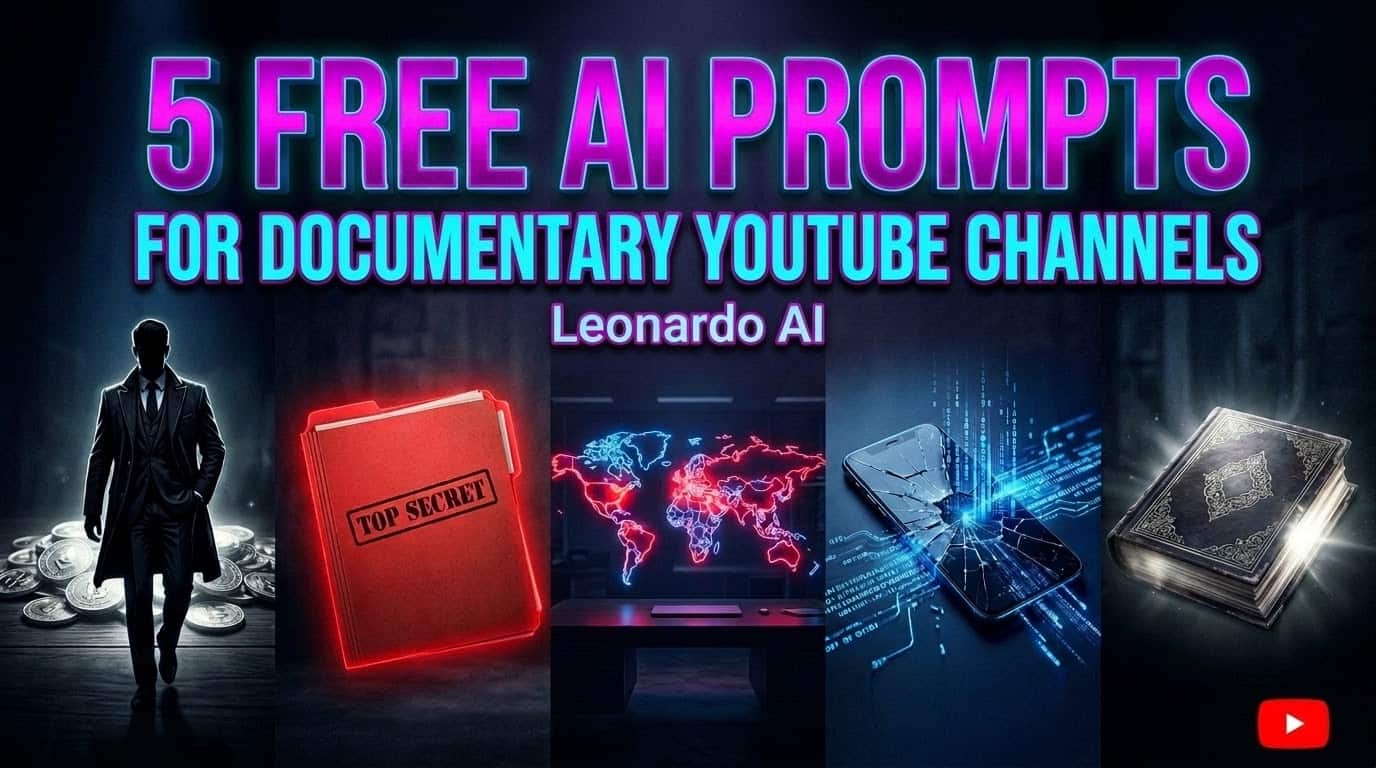
Quick Overview: Looking for the best documentary AI thumbnail prompts? The secret to getting high click-through rates (CTR) like Vox or Magnates Media is using dark, cinematic, and mysterious visuals that leave a question in the viewer’s mind. In this guide, I’m sharing five fully tested, copy-paste AI prompts—ranging from wealthy business tycoons to classified true-crime dossiers. You can drop these directly into Leonardo AI or Midjourney to create premium, high-retention thumbnails in seconds, without paying expensive freelance designers.
Running a documentary or infotainment YouTube channel right now is highly competitive. The production value in this space has gone through the roof, and the audience expects a lot before they even click on a video. You can spend a month researching and editing a deep dive, but if your thumbnail doesn’t catch the eye, it’s tough to get that initial traction.
If you look at successful channels in this space, you will notice a specific style. They rarely use the bright, happy styles commonly found in vlog YouTube thumbnails. Instead, they lean into dark, moody, and highly contrasting visuals that make the viewer ask, “What is going on here?”
To be 100% transparent, I personally generated the concepts below using Leonardo AI because it handles this dark, cinematic aesthetic perfectly and is incredibly easy to use. However, if you are more comfortable with Midjourney V6, you can absolutely use these exact same prompts there to get top-tier results. The tool matters less than the psychology behind the prompt.
Why These Documentary AI Thumbnail Prompts Work
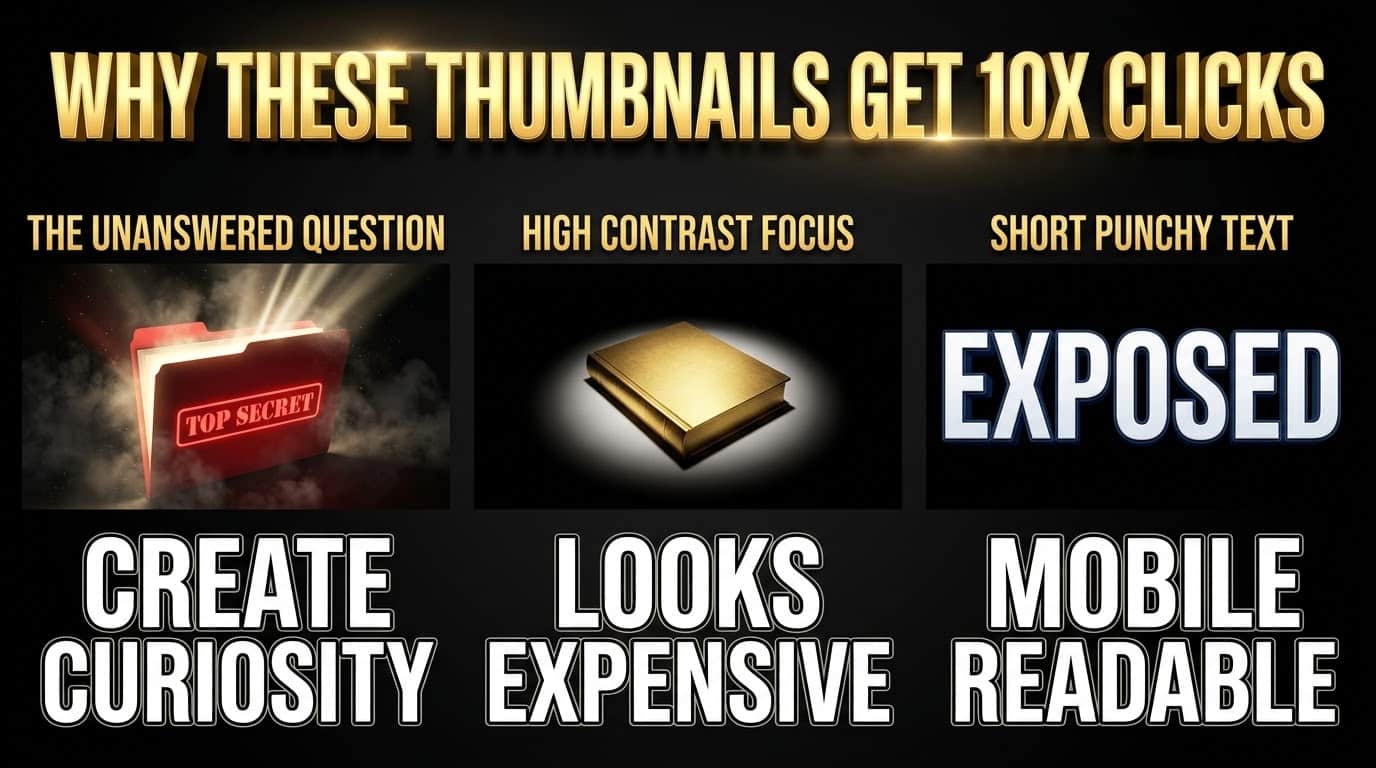
Before we get into the prompts, it helps to understand why the US audience clicks on these specific styles. In the documentary and long-form video space, viewers are looking for high-quality information or a good story.
- The Unanswered Question: The best thumbnails don’t tell the whole story. They show just enough to make the viewer curious. A glowing document in a dark room makes people wonder what is inside that folder.
- High Contrast Focus: Using deep shadows mixed with a single bright color (like neon red or glowing gold) tells the eye exactly where to look. It looks expensive and well-produced.
- Short Text: The text in the image should be three words or less. It should punch hard and be easy to read on a tiny phone screen.
Quick Breakdown: The 5 Thumbnail Styles
Here is a quick look at the prompts we will cover and when you should use them for your channel.
| Style Name | The Vibe | Best For Video Topics |
|---|---|---|
| 1. The “Magnates” Portrait | Wealthy, dark, sinister, oil-painting feel | Business history, corrupt tycoons, finance deep dives |
| 2. The Classified Folder | Eerie, hidden, investigative journalism | True crime, internet mysteries, government secrets |
| 3. The Crisis Map | Analytical, modern, high-stakes | Geopolitics, global economics, war history |
| 4. The Corporate Fall | Broken tech, modern ruin, abstract | Company bankruptcies, tech scams, startup failures |
| 5. Forbidden Knowledge | Ancient, magical, dusty library | Ancient history, space mysteries, lost civilizations |
The 5 Copy-Paste Documentary AI Thumbnail Prompts
I tested these specifically in Leonardo AI, but they are fully compatible with Midjourney too. We have already added the size parameter (--ar 16:9) at the end of every prompt. Just copy the entire text block below, paste it into your generator, and hit enter.
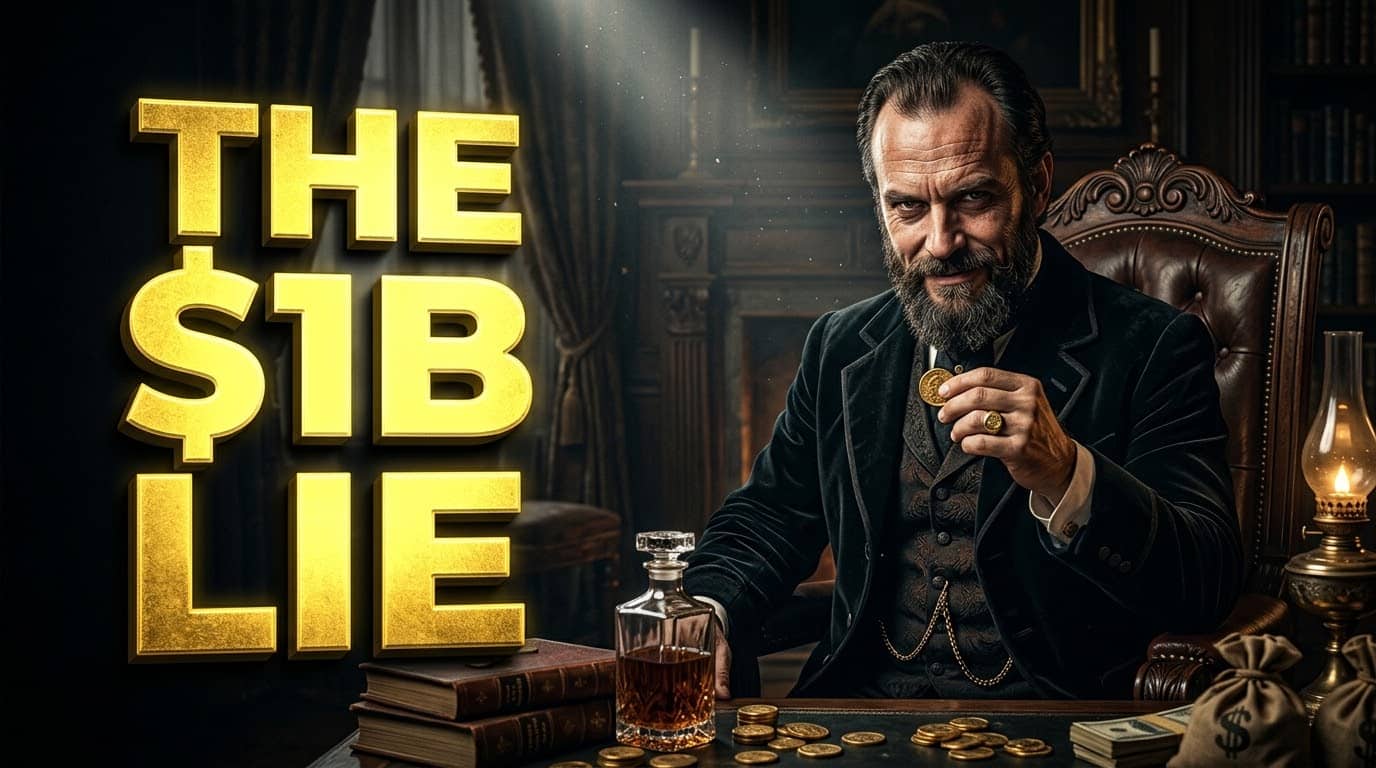
Prompt 1: The Business Tycoon Style (Corruption & Wealth)
This is a solid option if you are making a video about how a massive company started, or how a billionaire made their money. (If your channel is purely about stock markets and crypto trading, you might prefer our specific finance thumbnail prompts). But for historical business deep-dives, this uses that classic old-money oil painting look that feels very premium.
Target Text: THE $1B LIE
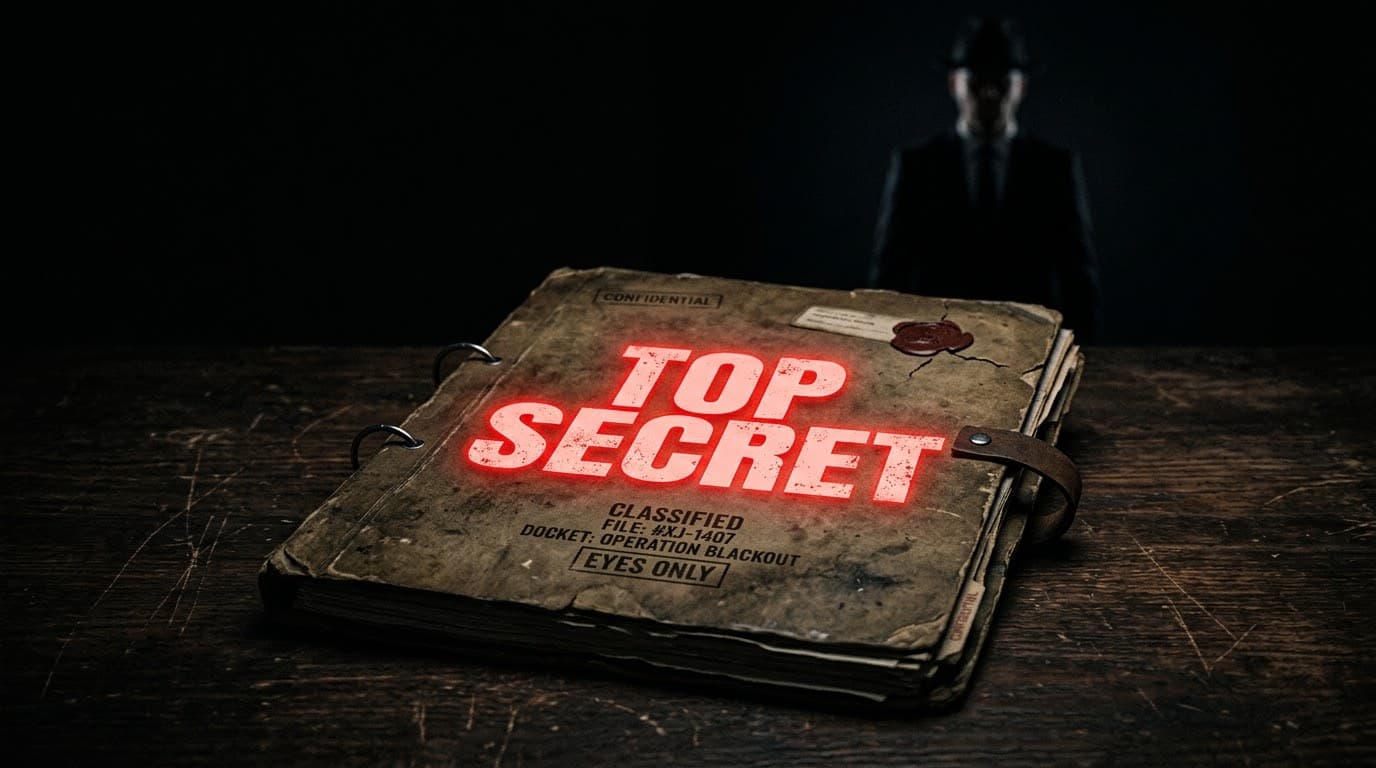
Prompt 2: The Classified Dossier Style (True Crime & Mysteries)
If you are covering a topic that involves hiding information or a major cover-up, this visual works really well. It makes the viewer feel like they are getting access to something they shouldn’t see.
Target Text: TOP SECRET
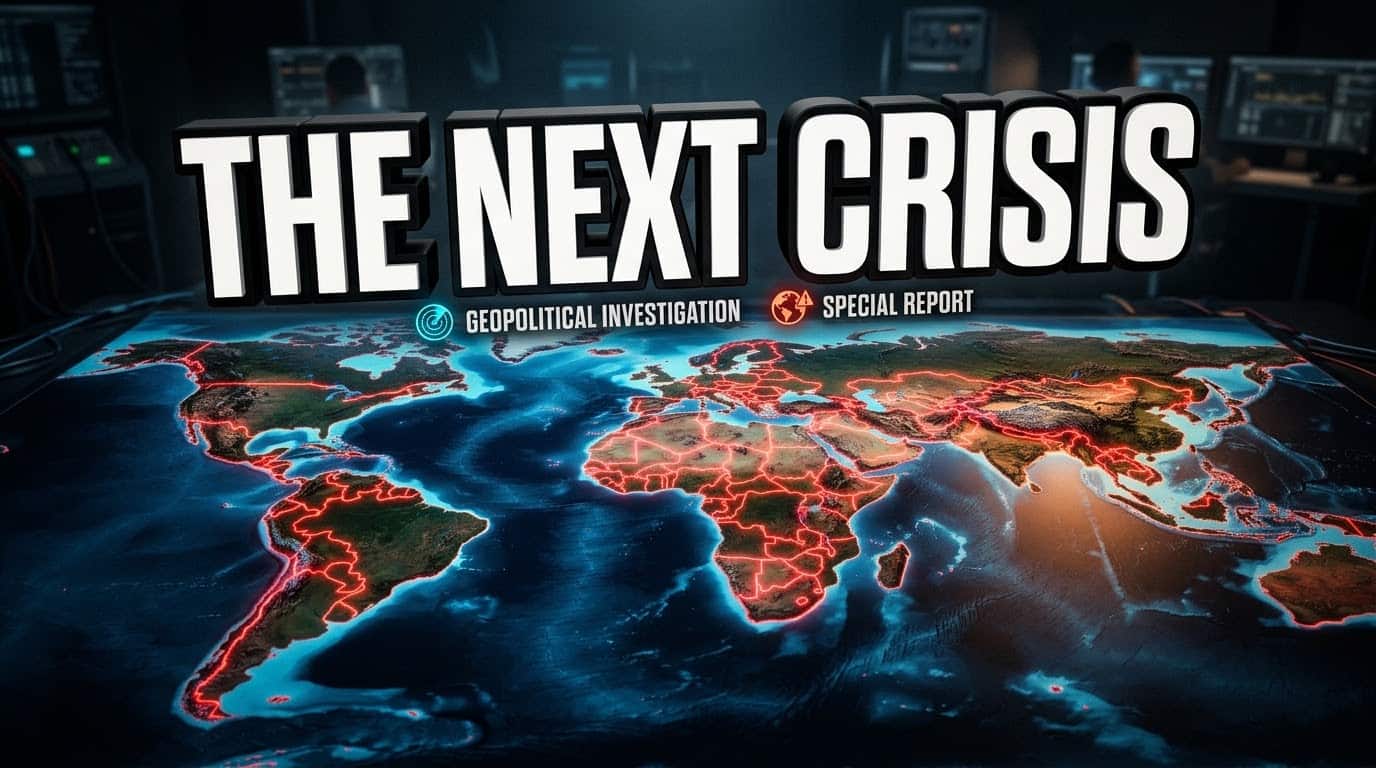
Prompt 3: The Geopolitics 3D Map Style (Global Issues)
Map thumbnails perform very well for geography and economics videos. They visually explain a complex global issue without needing a lot of text. The glowing borders grab attention instantly.
Target Text: THE NEXT CRISIS
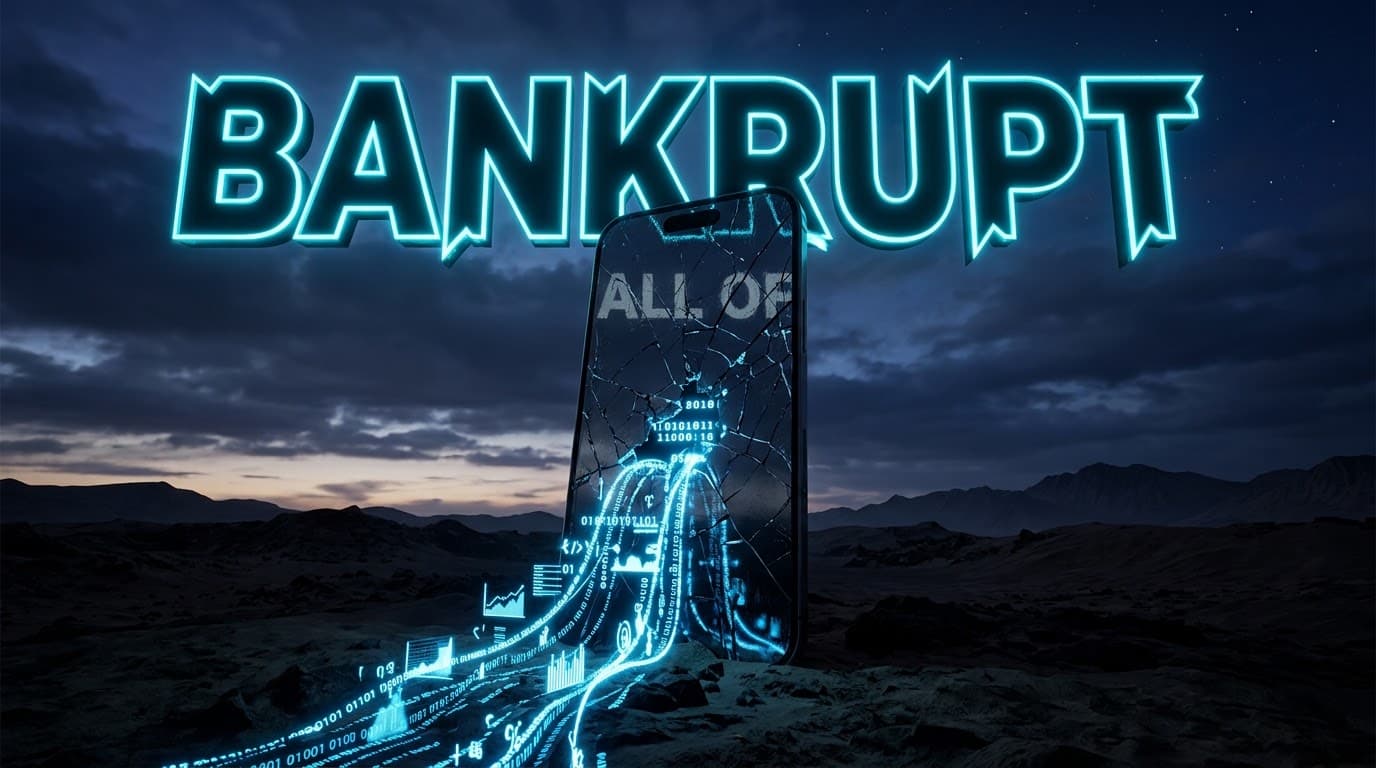
Prompt 4: The Broken Empire Style (Tech Scams & Failures)
Videos about a popular product or company going bankrupt always pull in viewers. (If your content is mostly unboxings and gadget reviews, check out these tech YouTube thumbnail prompts). But for a long-form documentary, instead of just showing the CEO’s face, showing a massive, broken version of their product is a much stronger visual hook.
Target Text: BANKRUPT
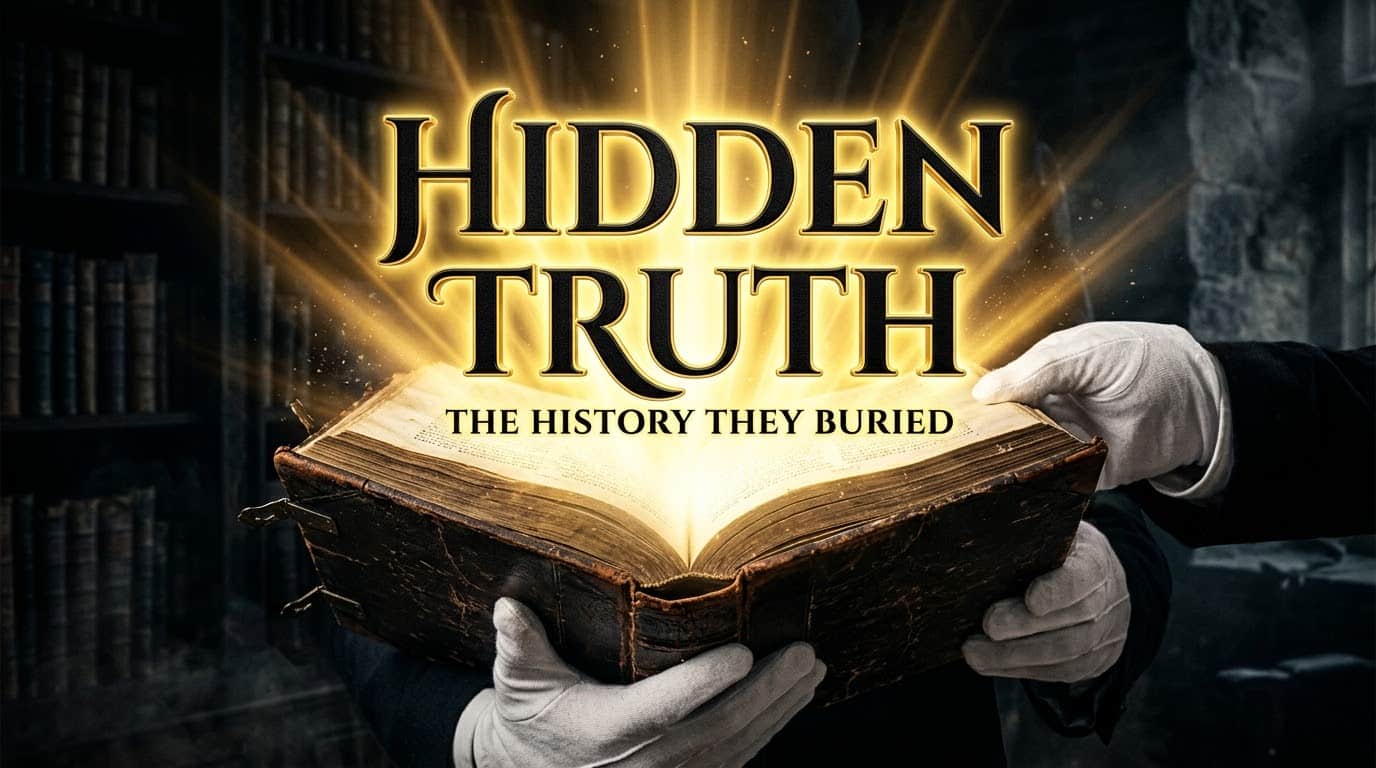
Prompt 5: The Ancient Archive Style (History & Space)
If your channel leans more into the history of humanity or the mysteries of the universe, this prompt sets the right tone. It creates a sense of awe and discovery.
Target Text: HIDDEN TRUTH
How to Master Documentary AI Thumbnail Prompts
Generating the image is just step one. AI is not perfect, and it usually takes a few tries to get something usable. Keep these practical tips in mind when you are working on your next thumbnail:
- Expect Spelling Errors: Even the best AI tools will sometimes misspell the text. You might have to hit “generate” three or four times before it spells the words correctly. Be patient.
- Do the Mobile Shrink Test: Most people watch YouTube on their phones. When you get an image you like, zoom out until the image is very small on your computer screen. If it looks like a messy blur and you can’t read the text, do not use it. Try again.
- Protect the Bottom Right Corner: Always remember that YouTube puts the video timestamp (e.g., 14:05) in the bottom right corner of your thumbnail. Never put your text or the most important part of your image in that spot, because it will get covered up.
FAQs About Documentary AI Thumbnail Prompts
1. Will using AI-generated thumbnails affect my channel’s monetization?
No. YouTube policies focus on the actual video content. Using AI to generate custom artwork for your thumbnail is perfectly safe and will not impact your AdSense monetization, as long as the image itself doesn’t violate community guidelines (like excessive gore or nudity).
2. Why does the AI keep spelling the text wrong in my images?
Even top-tier AI models struggle with perfect text rendering. It is entirely normal to get typos. The easiest fix is to simply re-generate the prompt 3 to 4 times until it spells the word right. Alternatively, you can generate the image without text and add it later using free tools like Canva or Photopea.
3. Do I need a paid subscription to use these prompts?
You can definitely start for free. Leonardo AI offers daily free tokens that are usually enough to generate a few thumbnails. However, if you are running a serious channel and testing dozens of variations daily, a basic paid plan is recommended to avoid limits and secure full commercial rights.
4. Will these specific prompts guarantee a 10% or higher CTR?
No, there are zero guarantees on YouTube. A great thumbnail only works if it is paired with a highly clickable video title and a topic your audience actually cares about. These prompts give you professional-level packaging, but the core video idea remains the most critical factor in your CTR.
5. Can I use these exact prompts for YouTube Shorts?
Yes, but you need to change the size parameter. The prompts above include --ar 16:9, which creates a horizontal image for long-form videos. If you want to generate artwork for Shorts or TikTok, simply change that ending tag to --ar 9:16 to get a vertical image.
Important Disclaimer About Thumbnails and Views
Let’s be completely real: there is no “magic prompt” that guarantees a viral video or a 10% Click-Through Rate (CTR). A great thumbnail can help improve your chances of getting a click, but if your video title is weak, or the actual content doesn’t keep people watching, your video will still underperform. These AI prompts are tools to help you package your content better, not a shortcut to instant success. You still have to do the hard work of making a great video.
Final Thoughts
Finding your visual style on YouTube takes time. Don’t be afraid to test different vibes—because what works for gaming thumbnail prompts might completely ruin the serious tone of a history documentary. Use these prompts as a starting point, change the text, swap out the colors, and see what your specific audience responds to best. Stay consistent, keep making your videos better, and use the visuals to help tell your story before the viewer even clicks.

About the Author
Hey, I’m Dharmendra Singh. I started AITool555 in early 2026 to share AI prompts that actually work.
I personally test every Midjourney, ChatGPT, and Leonardo AI prompt I publish. If it doesn’t save me time or give real results, it doesn’t make it onto this site. No fluff, just prompts I use for my own projects.
Questions? Email me: [email protected]
1 thought on “5 Best Free Documentary AI Thumbnail Prompts (2026)”