
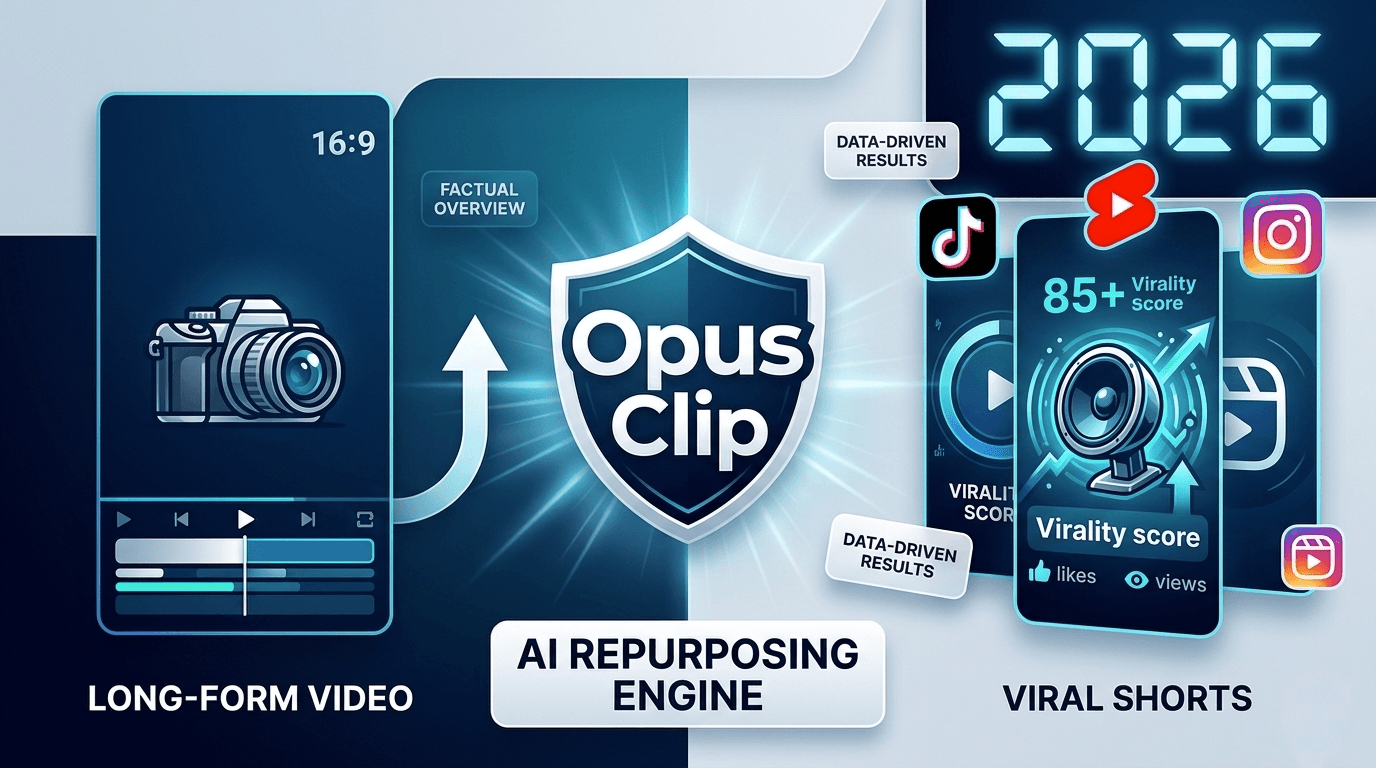
In 2026, US brands are spending 70% of their marketing budget on short-form video, but editing is killing productivity for small teams. This Opus Clip Review 2026 covers whether the tool solves that problem for creators. Is it truly the time-saver it claims to be? Let’s look at the data.
The creator economy in 2026 has one clear trend: Short-form video dominates. For anyone producing long-form videos, such as podcasts, webinars, or educational series, repurposing content into TikToks or YouTube Shorts is critical. But the main bottleneck remains: Editing. Converting a 60-minute video into 15 short clips manually can take a full workday.
For AI thumbnails and images, see my Leonardo AI free plan guide too.
Opus Clip is a software tool built to address this workflow challenge. Based on the company’s official website and public user feedback platforms like G2 and Trustpilot, this article provides a factual overview of the tool’s features, pricing, and limitations as of May 2026.
Opus Clip Review 2026: The Short-Form Workflow Challenge
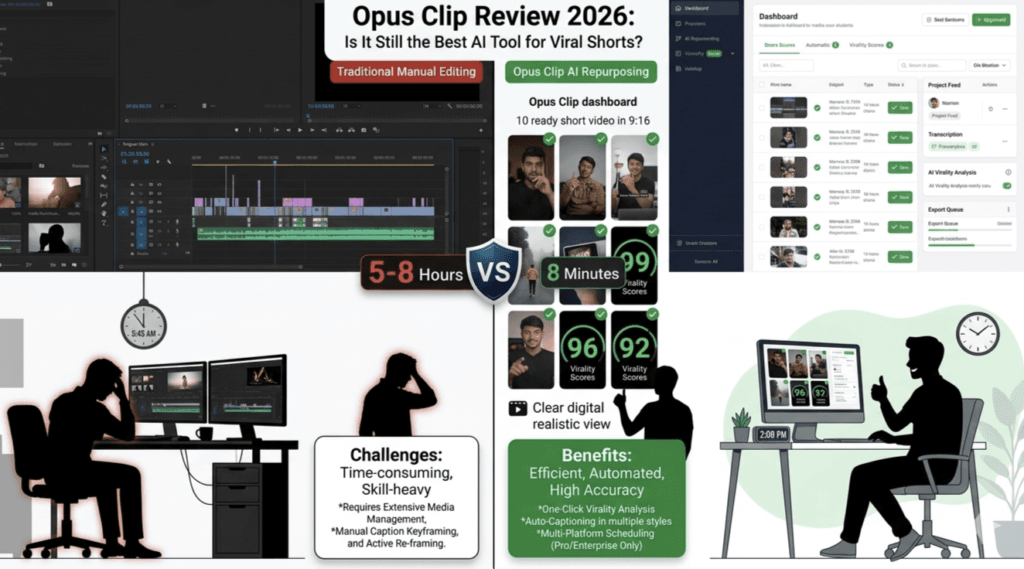
In the USA market, platforms like Instagram Reels and TikTok prioritize high-retention, well-captioned, fast-paced content.
Common challenges discussed publicly on video editing forums include:
- Manual Editing Time: 5–8 hours per long video when using traditional software.
- Outsourcing Costs: $15–$40 per clip based on publicly listed 2026 rates on Upwork.
- Opportunity Cost: Time spent editing is time not spent on content strategy.
Opus Clip is designed to automate the editing portion of content creation to save time.
What Is Opus Clip? Official Description
Opus Clip is a video repurposing platform. According to the company’s documentation, it analyzes long-form video, identifies potential hooks, crops the video to a vertical 9:16 format, and adds dynamic captions.
As of May 2026, the company states the tool can handle layouts like split-screen interviews and multi-speaker tracking.
Key Features Inside Opus Clip Dashboard
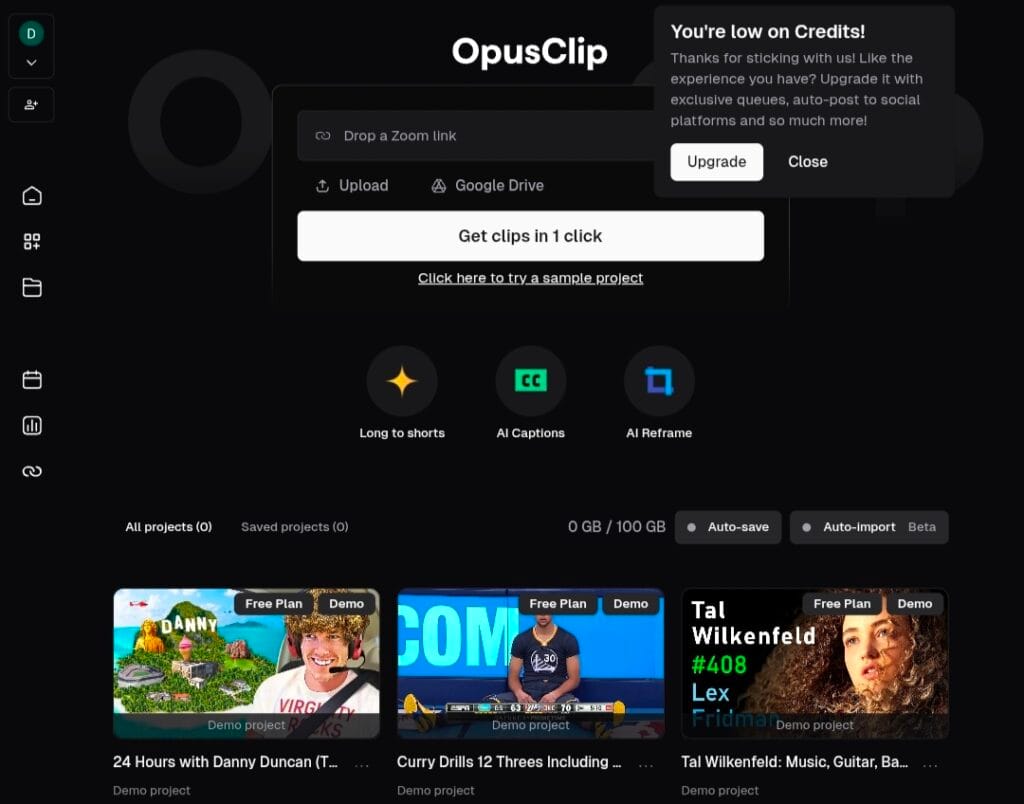
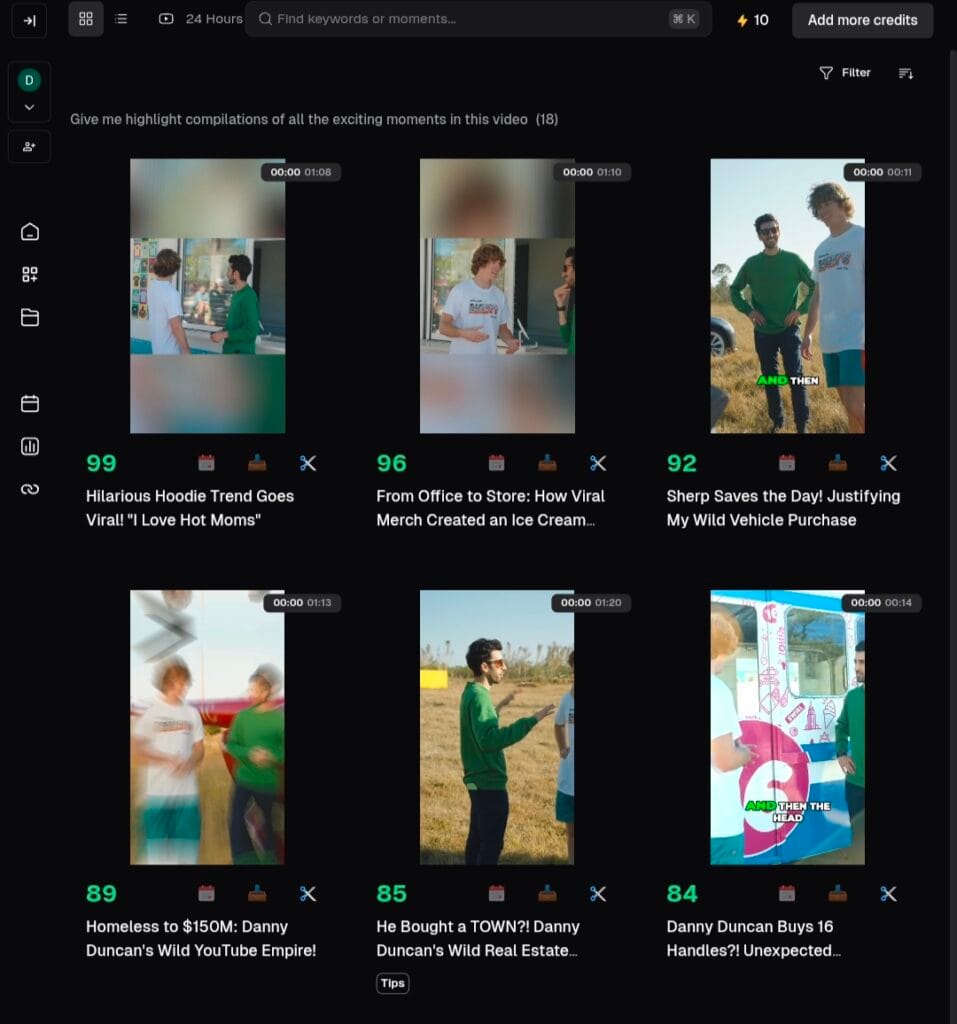
1. The Virality Score (0–100)
This is a core feature. According to Opus Clip, the AI assigns a score to each generated clip.
- How the company describes it: The score is based on factors like hooks, high-energy transitions, and emotional peaks.
- Stated benefit: Users can filter for clips scored above 85 to prioritize content discovery, instead of manually reviewing the full video.
2. Auto-Reframing & Speaker Tracking
The company states that “Active Speaker Detection” keeps the person talking centered in the frame. This automates a process that traditionally requires manual keyframing.
3. Dynamic Captioning
Public data shows many USA audiences watch videos on mute. Opus Clip offers caption styles designed for retention. Users can also set specific keywords to highlight in different colors.
Opus Clip Pricing & Plans (May 2026)
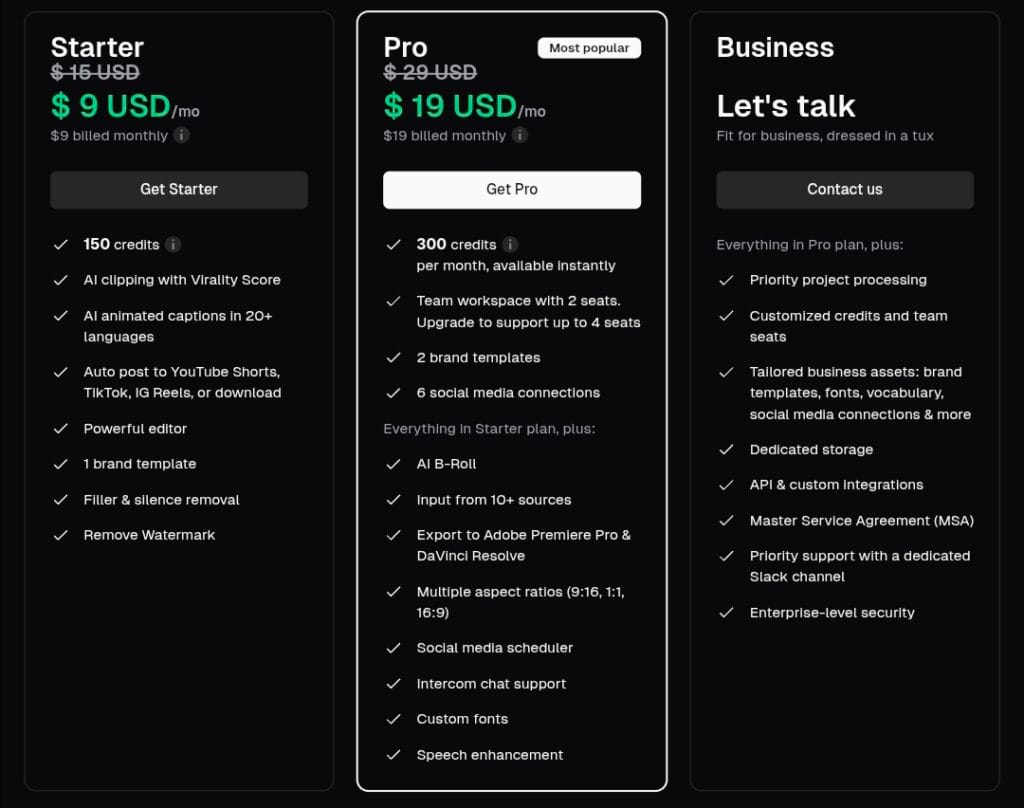
The data below is from Opus Clip’s official pricing page, accessed May 6, 2026. Pricing and features are subject to change.
| Plan | Price/Month | Credits | Best For |
|---|---|---|---|
| Free | $0 | 60 credits | Testing the platform |
| Starter | $9 USD | 150 credits | Individual creators |
| Pro | $19 USD | 300 credits | Agencies & Teams |
| Business | Custom | Custom | Large teams |
Note: Based on Opus Clip’s official page, the Starter Plan ($9) removes the watermark. 1 credit ≈ 1 minute of uploaded video.
Pros & Cons Based on Public User Reviews
Pros Frequently Mentioned on G2 and Trustpilot
- Efficiency: Users report generating multiple clips in under an hour.
- No Advanced Skill Required: Does not require expertise in Premiere Pro or DaVinci Resolve.
- Consistency: Allows for a higher posting frequency.
- Captioning: Users report high accuracy for US-English audio in public reviews.
Cons Frequently Mentioned in Public Reviews
- Clip Selection: The system sometimes selects a segment that users do not find interesting.
- Language Support: Public user feedback indicates lower accuracy for non-English audio compared to English.
- Stock Music: The built-in music library is described as limited in public reviews.
General Workflow Based on Public Tutorials
- Input: Upload a video file or paste a URL.
- Filter: Set preferred clip length. 30–60 seconds is a common range discussed for 2026.
- Refine: Check captions for accuracy, especially for technical terms.
- Brand: Apply a “Brand Kit” with logos and fonts if available on the plan.
- Export: Download the files or use direct posting features if available.
Frequently Asked Questions Based on Public Sources
1. Is Opus Clip better than hiring a human editor?
For high-volume social media repurposing, public cost comparisons show it is significantly faster and cheaper than a mid-level freelance editor in the USA. For high-end commercial projects, human editors are still used.
2. Can the watermark be removed for free?
No. According to the official pricing page, a paid plan is required to remove the watermark.
3. Does a high Virality Score guarantee views?
No. The company states it measures technical engagement potential. The topic, content quality, and audience still determine performance.
Summary of Publicly Available Information
Opus Clip is a software tool for automating the process of turning long videos into short-form clips. It has a 4.8/5 overall rating on G2 based on 300+ public reviews as of May 2026. For users in the USA market creating speech-based content, it is positioned as a tool to reduce manual editing time.
The tool handles the technical labor of cutting and captioning. Content strategy and topic selection remain the responsibility of the user.
If you want to remove watermarks from images, check out these 7 best free AI watermark remover tools for 2026.
Sources: Information compiled from Opus Clip Official Website (May 2026), G2 User Reviews, Trustpilot, Upwork 2026 Freelance Rates (public). This article has no sponsorship or affiliate relationship with Opus Clip.
Disclaimer: This article is an independent overview based on publicly available information and is not sponsored by Opus Clip. All features, pricing, and plan limits were verified on Opus Clip’s official website as of May 6, 2026, and are subject to change. Results from using any software tool vary. No guarantees of views, subscribers, or income are made. This content is for informational purposes only. Readers should review a tool’s current terms of service before purchase.

About the Author
Hey, I’m Dharmendra Singh. I started AITool555 in early 2026 to share AI prompts that actually work.
I personally test every Midjourney, ChatGPT, and Leonardo AI prompt I publish. If it doesn’t save me time or give real results, it doesn’t make it onto this site. No fluff, just prompts I use for my own projects.
Questions? Email me: [email protected]
1 thought on “Opus Clip Review 2026: Is It Still a Top Tool for Viral Shorts?”