
Last Updated: May 9, 2026
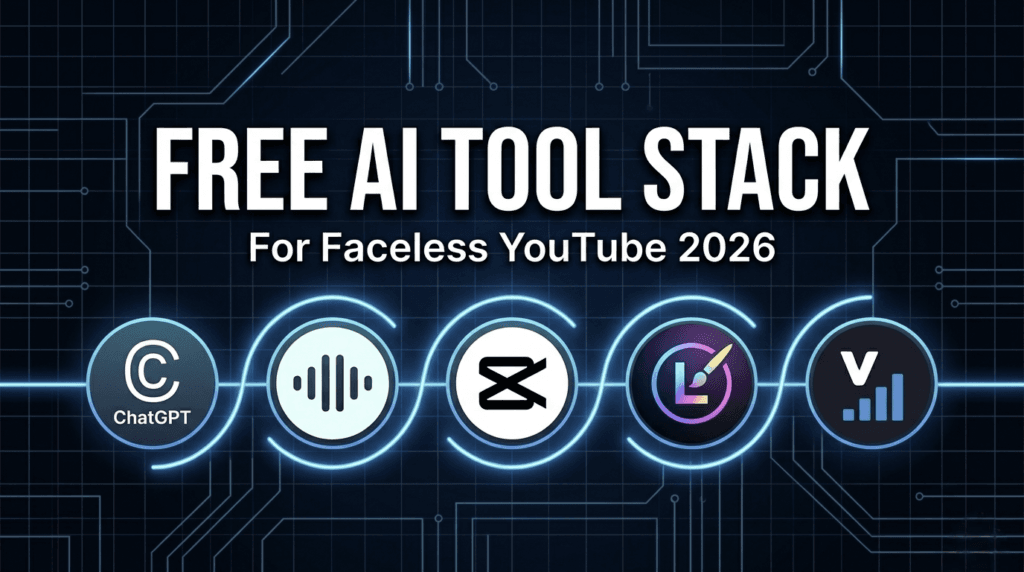
Why Start a Faceless YouTube Channel in 2026?
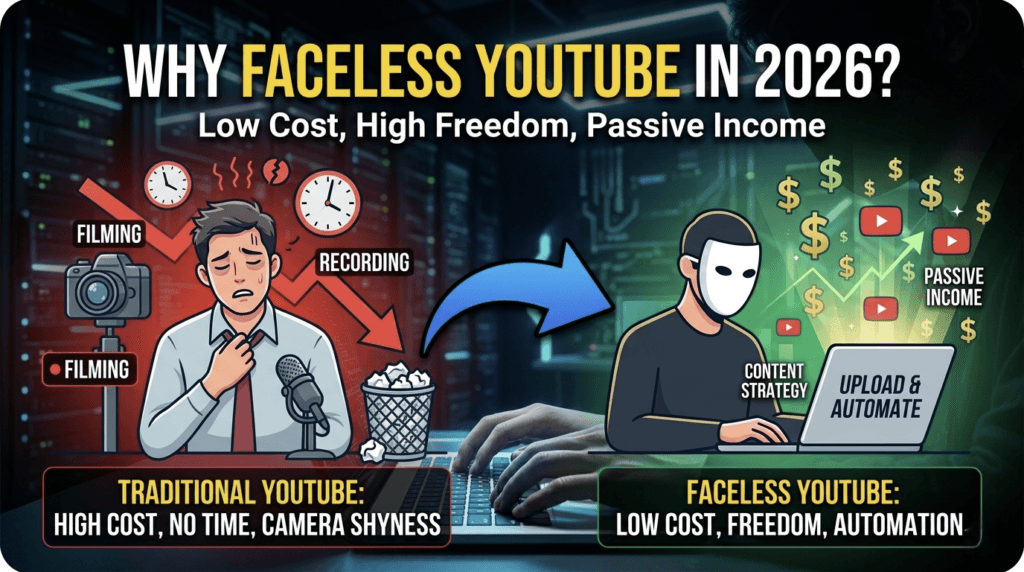
In the US market, faceless channels in niches like personal finance, health, history, tech reviews, and AI news consistently earn high CPM rates. The content is evergreen and easy to scale. You avoid the cost of a $500 microphone or studio setup. You only need a clear system to produce videos fast. These 5 free tools provide that system.
Free Tools Comparison Table for 2026
| AI Tool | Free Plan Limit | Best For | Important Caveats |
|---|---|---|---|
| ChatGPT | Message caps apply after heavy use | Script writing & topic research | Always edit AI output to add originality |
| ElevenLabs | 10,000 characters per month (~10 min audio) | Human-like voiceovers | Requires attribution. Commercial use allowed. |
| CapCut | 1080p export with no watermark | Video editing & auto-captions | Remove default ending clip for clean export |
| Leonardo.Ai | 150 tokens per day (~30-40 images) | Thumbnails & custom B-roll images | Check license for commercial use on free plan |
| VidIQ | Basic keyword research & 3 AI titles per day | YouTube SEO & topic validation | Advanced competitor analysis requires paid plan |
1. ChatGPT – For Script Writing and Content Strategy
ChatGPT’s free tier gives access to powerful models as of May 2026. While not unlimited, it is sufficient for writing full YouTube scripts. Message caps reset every few hours during heavy use.
This tool solves the biggest problem for new creators: writer’s block. A high-retention script that once took 3 hours now takes 5 minutes to draft.
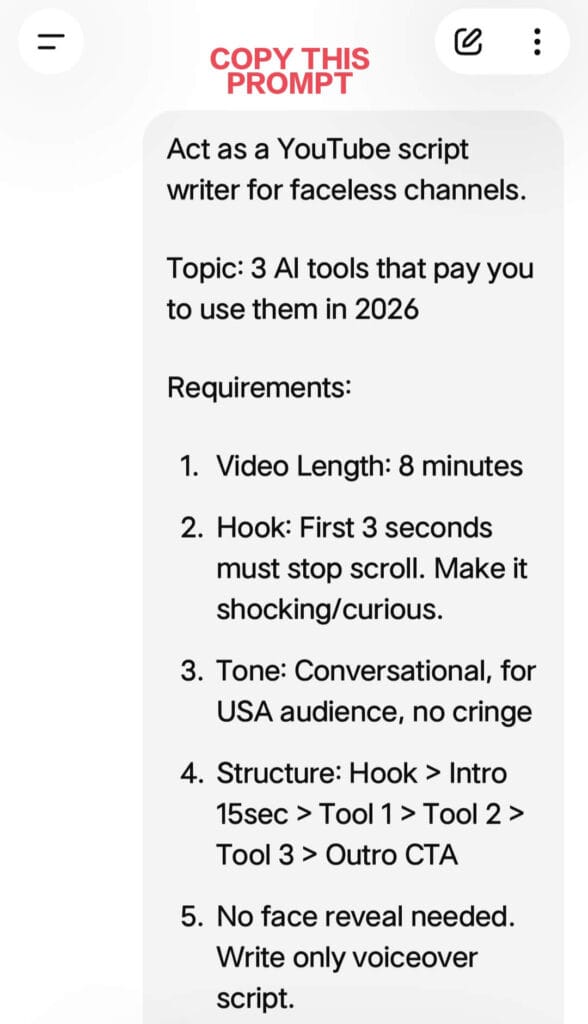
How to Use It for Your Channel:
- Find a Niche: Prompt: “Give me 10 underserved YouTube niches for a faceless channel in the USA for 2026 with low competition.”
- Write a Script: Prompt: “Act as a YouTube scriptwriter. Write a 1500-word, conversational script for a video titled ‘How to Save Your First $1000’. Include a hook in the first 30 seconds, 3 main points with examples, and a question for comments. Use US English.”
- Optimize Titles: After the script is done, ask: “Give me 5 YouTube title options under 70 characters based on this script.”
2. ElevenLabs – For Professional AI Voiceovers
The ElevenLabs free plan provides 10,000 characters per month. This equals about 9-10 minutes of high-quality audio, enough for one full YouTube video.
This solves the “I hate my voice” problem. Their AI text-to-speech includes natural pauses, tone changes, and breathing, making it hard for viewers to tell it is AI.
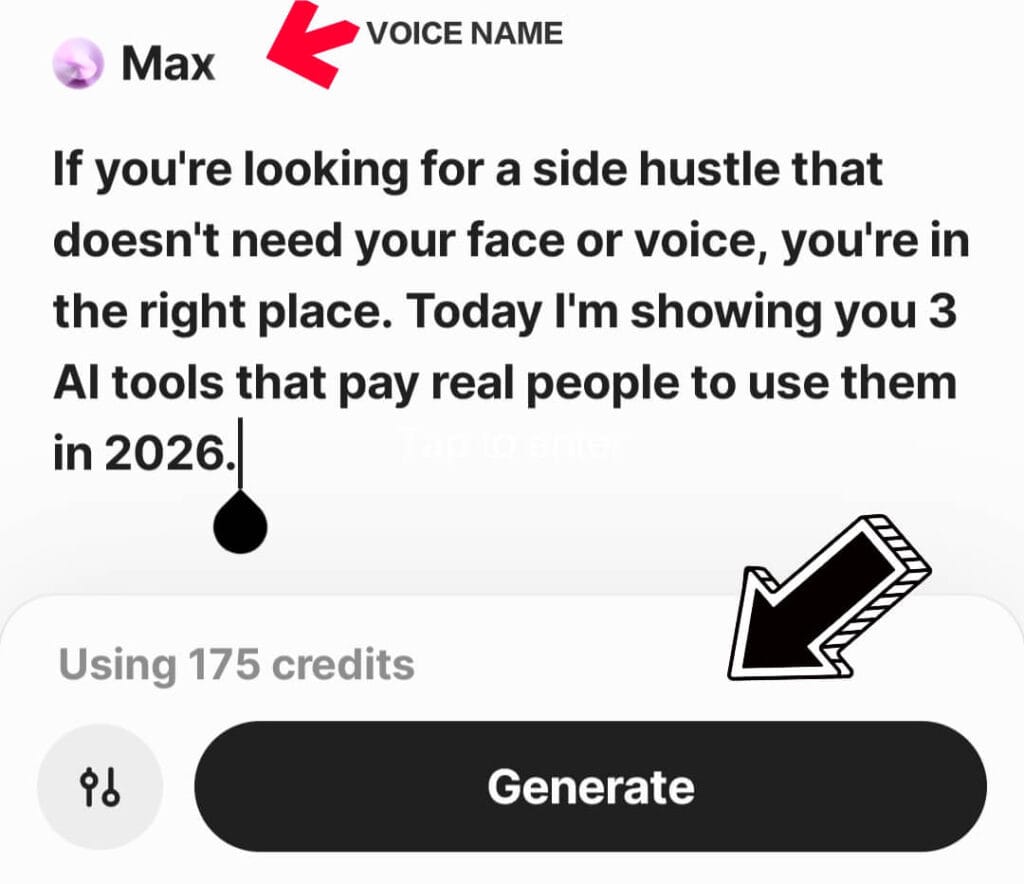
Key Rules for 2026:
- Attribution Required: The free tier requires you to credit ElevenLabs in your video description. Example: “Voiceover by ElevenLabs”.
- Commercial Use: Commercial use is permitted on the free plan with attribution. Upgrade to the $5 Starter plan when your channel is monetized for higher limits.
- Best Voices for USA: “Rachel”, “Adam”, and “Josh” perform best for educational and finance content.
3. CapCut – For Editing, Captions, and Stock Footage
CapCut Desktop and Web are completely free as of May 2026. You can export 1080p video with no watermark. This replaces expensive software like Adobe Premiere Pro for beginners.
Captions are non-negotiable in 2026. Over 70% of US viewers watch with sound off. CapCut’s “Auto Captions” feature generates accurate, word-by-word animated captions in under 60 seconds.
Your Free Editing Workflow:
- Import your ElevenLabs MP3 voiceover.
- Click “Text” > “Auto Captions” > “Create” to generate subtitles.
- Click “Stock Videos” and search for keywords from your script. If your script mentions “investing”, search “stock market” or “person using laptop”. Drag clips to match the voiceover.
- Add free background music from CapCut’s audio library. Set volume to -20dB so it does not overpower the voice.
4. Leonardo.Ai – For Thumbnails and Custom B-Roll
Leonardo.Ai gives 150 free tokens daily, allowing you to generate 30-40 images. This is the best free tool for creating high-CTR thumbnails.
Thumbnails determine 70% of your click-through rate. With Leonardo, you can create concepts that do not exist in stock libraries.
How to Use It:
- Thumbnails: Prompt: “YouTube thumbnail, photorealistic, shocked person looking at a bank account balance of $10,000 on a phone screen, bright colors, high contrast, 16:9 aspect ratio”.
- Custom B-Roll: If you cannot find a stock clip for “person stressing over bills”, generate one. Import the image into CapCut and add a slow zoom effect.
5. VidIQ – For YouTube SEO and Topic Validation
VidIQ Basic is free forever and is essential for getting views. It installs as a browser extension and works directly on YouTube.
Posting videos without keyword research is the main reason new channels get zero views. VidIQ shows you exactly what people are searching for.
Your Free SEO Workflow:
- Keyword Research: Before you script, use the Keyword Inspector. Search “budgeting for beginners”. If it shows “High Search Volume” and “Low Competition”, it is a good topic.
- Title Generation: The free plan gives 3 AI title suggestions per day. Use them to turn a boring title into a clickable one.
- Competitor Analysis: Use the “Trending” tab to see what is working for other faceless channels in your niche.
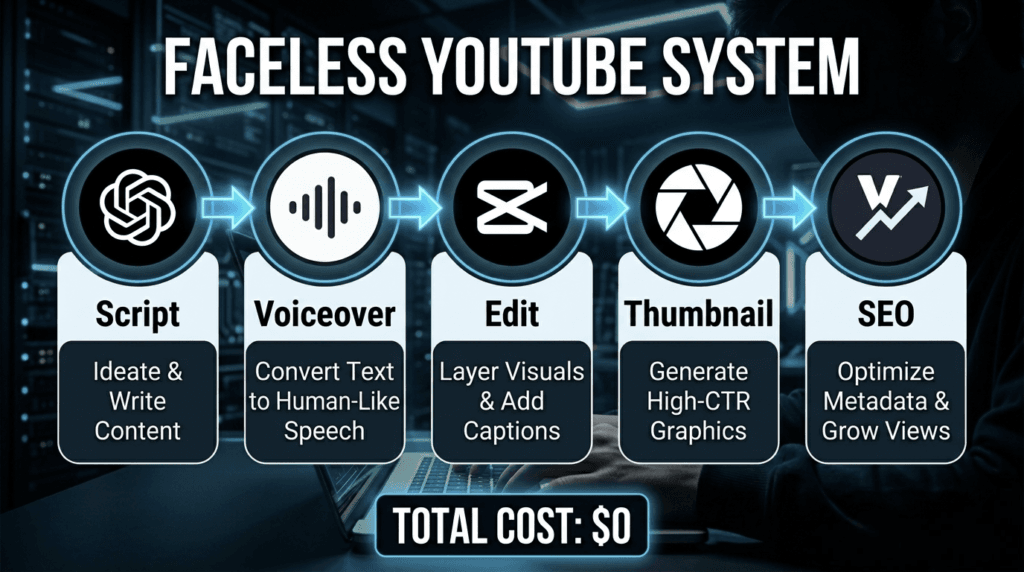
The 90-Minute Workflow: From Idea to Upload for $0
Consistency beats perfection. Here is the exact system to produce one video in 90 minutes using only the free plans:
- 15 Mins: Use VidIQ to find a low-competition topic. Use ChatGPT to write a 1500-word script.
- 10 Mins: Paste the script into ElevenLabs and download the MP3 voiceover.
- 45 Mins: In CapCut, combine audio, auto-generate captions, add stock video and background music.
- 15 Mins: Use Leonardo.Ai to generate 3 thumbnail options. Choose the one with highest contrast.
- 5 Mins: Use VidIQ to write tags and description. Upload to YouTube.
YouTube Monetization Rules for AI Content in 2026
YouTube allows AI-generated content. However, your video must provide “significant original value”. Channels get demonetized for uploading raw, unedited AI content.
To stay safe:
- Always edit your ChatGPT script. Add personal insights, examples, or commentary.
- Do not use only AI images. Mix them with stock footage and text overlays.
- Disclose AI use in your description: “Portions of this video were created using AI tools including voiceover and images.”
FAQ: Faceless YouTube Channels in 2026
Can you actually monetize a faceless AI YouTube channel?
Yes. YouTube’s Partner Program policy allows it if you add original commentary, editing, and value. Thousands of faceless channels are monetized. You must disclose AI usage and avoid repetitive content.
How many videos before I start earning?
You need 1,000 subscribers and 4,000 public watch hours to apply for monetization. Posting 3-5 videos per week in a good niche, most creators hit this in 3-6 months.
What if I hit the free plan limits?
Start free. Once your channel earns its first $20-$50, reinvest it into the $5 ElevenLabs plan and $10 CapCut Pro. This removes all limits and is a business expense.
What are the best niches for the USA audience?
As of 2026, personal finance, health and wellness, AI news, history documentaries, and book summaries have the highest CPM rates in the US. Use VidIQ to find specific low-competition keywords within these niches.
The Bottom Line
You do not need money or a camera to start on YouTube in 2026. You need a consistent system. These 5 free AI tools remove every technical barrier. Your only job is to provide value and publish consistently.
The first video will not be perfect. The tenth will be better. The fiftieth could be the one that changes your income. Start this week.
Read Next: Opus Clip Review 2026: Is It Still a Top Tool for Viral Shorts?
Sources
- OpenAI. (2026). ChatGPT Free Tier Model Information. Retrieved from openai.com
- ElevenLabs. (2026). Pricing and Free Plan Terms. Retrieved from elevenlabs.io
- CapCut. (2026). Desktop Video Editor Features. Retrieved from capcut.com
- Leonardo.Ai. (2026). Token System and Commercial Use FAQ. Retrieved from leonardo.ai
- VidIQ. (2026). Basic Plan Features. Retrieved from vidiq.com
- YouTube. (2026). Monetization Policies for Synthetic and AI Content. Retrieved from support.google.com/youtube
Disclaimer
This article is for educational purposes only and reflects information available as of May 9, 2026. Features, pricing, and free plan limits for all tools are subject to change. Success on YouTube depends on content quality, niche selection, consistency, and algorithm changes. This article does not guarantee views, subscribers, or income. YouTube’s policies on AI-generated content may change. Always review YouTube’s current Community Guidelines and Monetization Policies before publishing. The author is not affiliated with ChatGPT, ElevenLabs, CapCut, Leonardo.Ai, or VidIQ. This is not financial, legal, or business advice.

About the Author
Hey, I’m Dharmendra Singh. I started AITool555 in early 2026 to share AI prompts that actually work.
I personally test every Midjourney, ChatGPT, and Leonardo AI prompt I publish. If it doesn’t save me time or give real results, it doesn’t make it onto this site. No fluff, just prompts I use for my own projects.
Questions? Email me: [email protected]
1 thought on “5 Free AI Tools to Start a Faceless YouTube Channel in 2026: Complete Guide”