
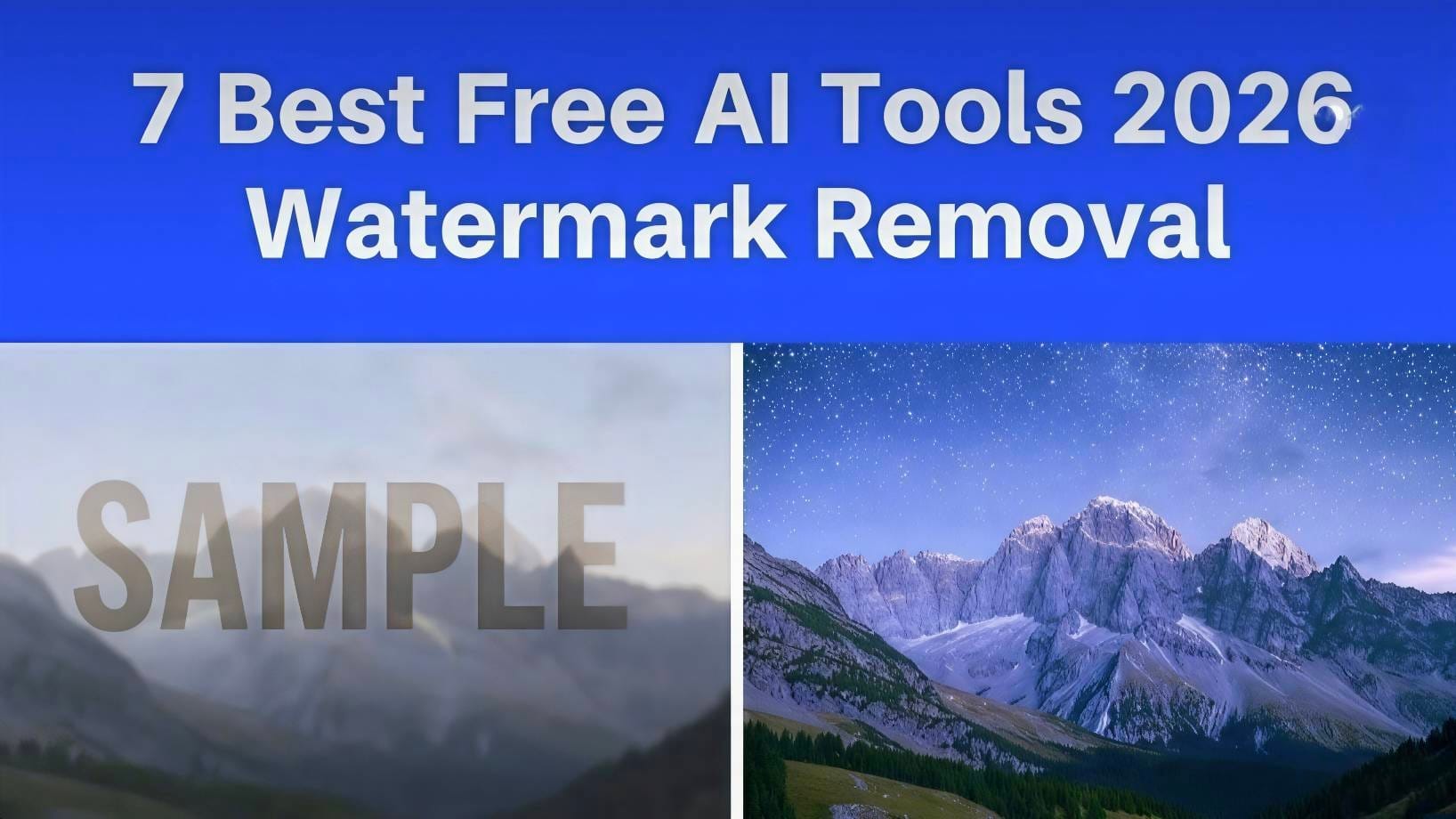
Legal Disclaimer: This article is for informational purposes only. Removing watermarks from copyrighted images without permission may violate U.S. copyright law, including the Digital Millennium Copyright Act (DMCA). Only use these tools on images you own or have explicit rights to modify. We do not encourage copyright infringement.
Accuracy Disclaimer: Tool features, pricing, and free limits are current as of April 2026 based on each company’s public website. These may change without notice. Always verify details on the official tool website before use.
Content creators, students, and small businesses use free AI tools to edit their own photos. These 7 AI photo editor tools let you clean up images, remove unwanted objects or text, and export in HD with no watermarks. Based on publicly available features and user reviews, here are 7 popular free options. Results may vary depending on image complexity.
What is a Free AI Watermark Remover in 2026?
A free AI watermark remover is an online tool that helps delete logos, text, and stamps from images. This list of free AI watermark remover tools is compiled from features stated on each company’s official website as of April 2026.
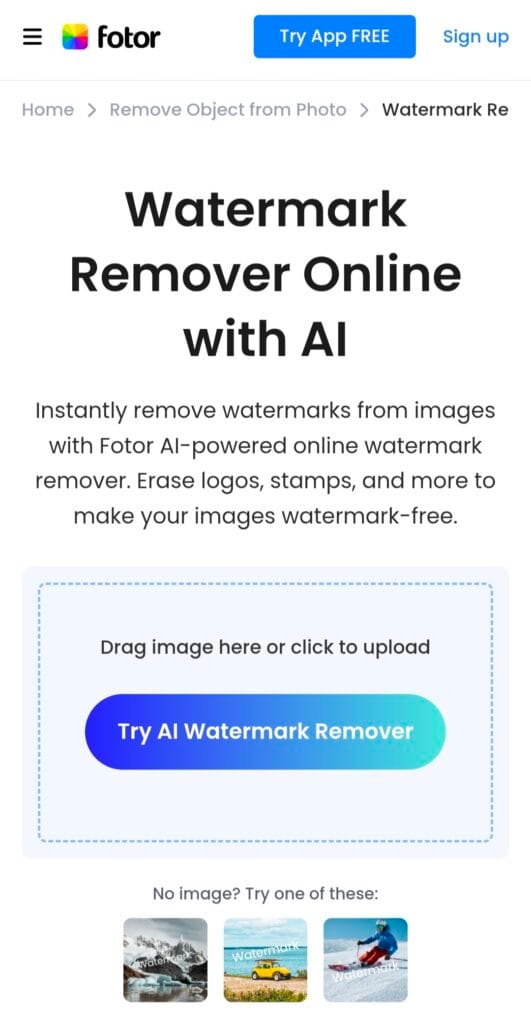
1. Fotor AI Watermark Remover
Stated Free Plan: 5 images per day according to Fotor’s website.
Common Use: Reported to work well for beginners on text and logo removal.
Limitations: Users report mixed results on complex backgrounds. Max resolution for free users is listed as 4000px.
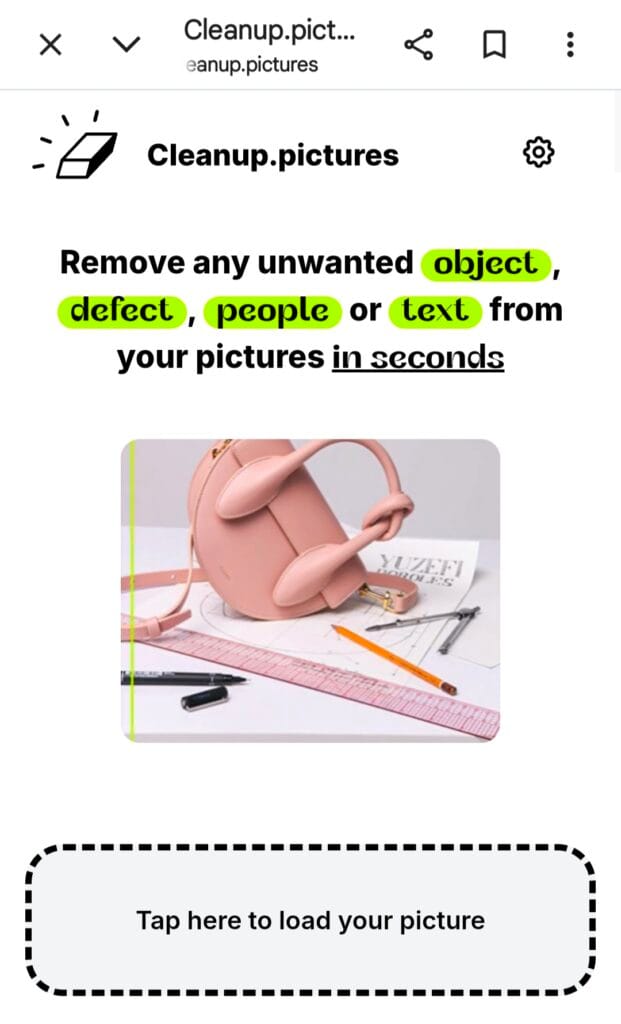
2. Cleanup.pictures by ClipDrop
Stated Free Plan: Listed as unlimited on the official site.
Common Use: Originally designed for object removal, often used for watermarks.
Limitations: Free exports may be limited to 2048px according to user reports.
3. WatermarkRemover.io
Stated Free Plan: 3 images per day per the homepage.
Common Use: Markets itself specifically for automatic watermark detection.
Limitations: HD downloads may require email sign-up.
4. Photopea Online Editor
Stated Free Plan: Completely free with no stated limits.
Common Use: A browser-based alternative to Photoshop for manual editing.
Limitations: Requires manual work with Spot Healing or Clone Stamp tools. Not AI-based.
5. Inpaint Online
Stated Free Plan: Low-resolution exports are free.
Common Use: Marketed for removing date stamps and small objects.
Limitations: HD export is a paid feature as of April 2026.
6. Pixlr AI Remove Object
Stated Free Plan: 3 free saves per day listed on Pixlr.com.
Common Use: Popular for mobile editing via iOS and Android apps.
Limitations: Free exports may include a small Pixlr logo.
7. SnapEdit Remove Objects
Stated Free Plan: 5 HD images per day according to the official site.
Common Use: Frequently mentioned for photos with people due to skin-tone preservation.
Limitations: Daily limit applies to HD exports.
Feature Comparison Based on Public Data
| Tool | Claimed Free Limit | Reported HD Export | Reported Best Use Case |
|---|---|---|---|
| Fotor AI | 5/day | Up to 4K | Text & Logos |
| Cleanup.pictures | Unlimited | Up to 2K | General Use |
| WatermarkRemover.io | 3/day | Available | Auto Detection |
| Photopea | Unlimited | Any Size | Manual Control |
| Inpaint | Unlimited | Paid Feature | Date Stamps |
| Pixlr | 3/day | Available | Mobile Editing |
| SnapEdit | 5/day | Available | Portraits |
These free AI watermark remover tools are perfect for quick cleanup. If you want to create completely new designs or AI graphics after editing, check our Kittl vs Canva 2026 comparison to pick the best design tool.
Important Considerations Before Use
- Copyright: Under U.S. law, removing a watermark to avoid paying for a license can lead to statutory damages up to $150,000 per image.
- Quality: AI removal is not perfect. Results depend on the watermark size, position, and background complexity.
- Privacy: You are uploading images to third-party servers. Do not upload sensitive, personal, or confidential photos. Review each tool’s privacy policy.
Frequently Asked Questions
1. Is it legal to use these tools in the USA?
It depends on the image. If you own the copyright or have permission, yes. If the image is copyrighted by someone else, removing the watermark to use it commercially is illegal.
2. Do these tools work on videos?
Generally, no. The tools listed are designed for still images. Video watermark removal typically requires different, often paid, software.
3. Are these websites safe from viruses?
We cannot guarantee the security of third-party websites. They were accessible and functional as of April 2026. Use antivirus software and avoid downloading any executable files. These tools work in-browser.
4. Which tool is completely free with no limits?
Based on public information, Cleanup.pictures and Photopea advertise no usage limits. However, features and limits can change. Check their official sites for current terms.
5. Is it legal to remove watermarks from any image?
A: No. Only remove watermarks from your own images or royalty-free stock. Check the US Copyright Office website for copyright laws.
Final Recommendation: For legal and ethical use, always purchase a license for stock images or use royalty-free sources like Unsplash and Pexels. These tools are best suited for removing watermarks from your own photos, such as date stamps from personal cameras.

About the Author
Hey, I’m Dharmendra Singh. I started AITool555 in early 2026 to share AI prompts that actually work.
I personally test every Midjourney, ChatGPT, and Leonardo AI prompt I publish. If it doesn’t save me time or give real results, it doesn’t make it onto this site. No fluff, just prompts I use for my own projects.
Questions? Email me: [email protected]
2 thoughts on “7 Best AI Photo Editor Tools With No Watermark 2026”